Till and back office disagree
When checkout and inventory live in different systems, you oversell online, run out of bestsellers, and fix counts by hand every week.
Retail Express
Spreadsheets and a separate till leave you guessing what is really on the shelf. Retail Express gives product retailers in Australia and New Zealand inventory management with live stock across stores, clear statuses, and updates when you sell or receive, plus POS checkout, purchasing, multi-store, and optional Shopify sync in the same platform.
Common pain points
When checkout and inventory live in different systems, you oversell online, run out of bestsellers, and fix counts by hand every week.

A single “on hand” number does not show what is allocated to orders, sitting in transit, or waiting on a purchase order.
One shop is empty while another is overstocked, and staff cannot see which store has the size a customer wants.
Retail Express
Retail Express tracks statuses, not one vague total. Available is ready to sell. Allocated covers stock waiting on sales, laybys, or transfers. In-transit, On Order, On Return, and Faulty have their own buckets so you know why stock is not on the shelf. Drill into allocated qty to see the orders behind the number.
Book a demo →

On each product’s Inventory tab, see quantities and stock value for every outlet and warehouse. Set minimum stock levels per location, use carton quantities for supplier ordering, and move stock between stores when one location is short. Network overview: multi-store retail. Transfer detail: stock transfers.
Book a demo →
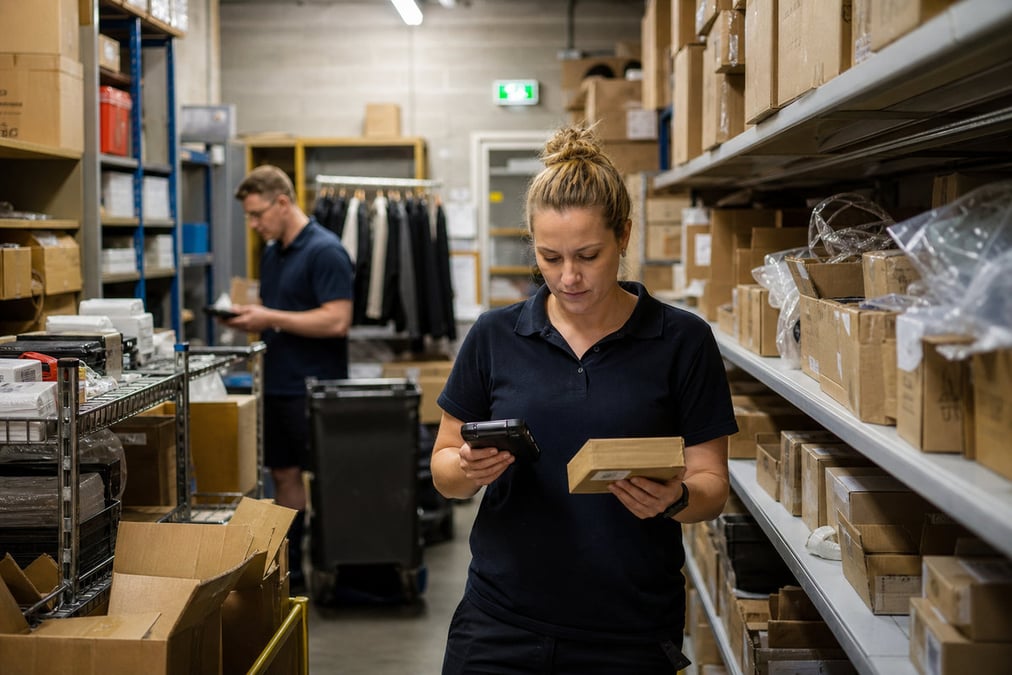
Run stocktakes in browser, Excel, or with scanners. Transfer stock between stores. Create purchase orders and receive stock so On Order becomes Available. Set minimum levels and replenishment rules so reorders are not left to memory. Deep guides: stocktake · transfers · purchase orders · auto replenishment.
Book a demo →
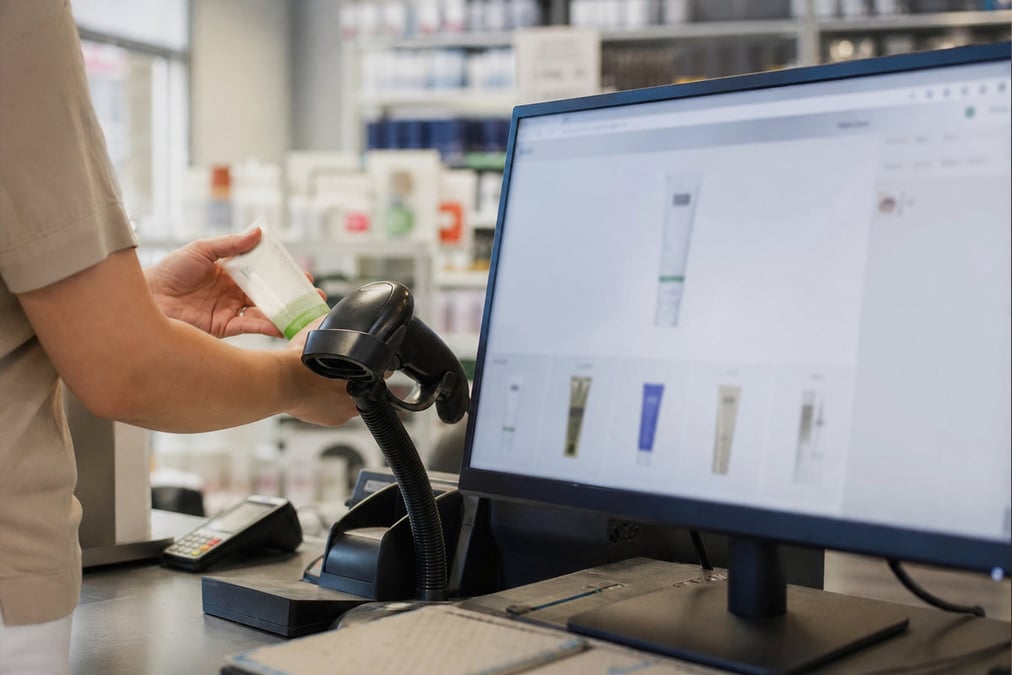
Every sale, return, and receipt at Retail Express POS updates inventory. For Shopify, push Available from the outlets you choose so the webstore matches the shop floor. Retail Express is the source of truth after sync is on; manual stock edits in Shopify get overwritten. See Shopify inventory sync and retail POS software.
Book a demo →Shopify
Ecommerce
Become truly omni-channel with the #1 integrated Shopify POS solution.
Xero
Accounting
Streamline your processes, introduce smart retail practices and make more informed ...
MYOB
Accounting
Streamline processes, introduce smart retail practices & make informed decisions with ...
Afterpay
Payments
Provide the experience and payment options today’s shoppers demand with our Afterpay - ...
zipPay
Payments
Offer Buy Now Pay Later solutions to your customers with direct integration to Retail ...
BigCommerce
Ecommerce
A design platform which lets you create stores that engage shoppers and make more sales.
Bike Exchange
Marketplace
The leading marketplace for bikes and accessories.
Blix
Analytics
Gives you walk-in and customer engagement numbers meaning you can assess performance ...
Answers for retailers in Australia and New Zealand.
Inventory management software tracks what you have, where it is, and what state it is in (for example ready to sell, allocated to an order, in transit, or on order from a supplier). In retail it should update when you sell at the till, receive stock, transfer between stores, and count stocktakes. Retail Express focuses here on that inventory job for AU and NZ product retailers, live stock, statuses, multi-store visibility, and the same stock feeds POS, purchasing, and optional Shopify sync in one platform.
An inventory management system is the software and process set retailers use to keep stock accurate across the shop, warehouse, and channels. It usually covers receiving, selling, transfers, stocktakes, and reporting. Retail Express provides that inventory system for product retail, and the same platform also includes POS checkout, multi-store, reporting, and channel sync, so you are not running inventory in one tool and the till in another.
Without it, shops oversell, reorder the wrong lines, and spend nights reconciling counts. You need live stock by location, updates when you sell or receive, and clear statuses for what is free to sell. Retail Express delivers that inventory control for AU and NZ retailers, with POS, purchasing, and optional Shopify sharing the same stock numbers.
Inventory tracking means following each product’s quantity as it moves: received, sold, transferred, allocated to an order, or counted in a stocktake. In Retail Express, tracking uses statuses (Available, Allocated, in transit, On Order, Faulty, and more) so you see not only how many units exist, but why some are not free to sell. POS sales, transfers, and receiving all write back to that same tracking.
In retail search, inventory management and stock management usually mean the same job: know your stock and keep it accurate. Retail Express covers both on this inventory overview; counting workflows sit on stocktake software. The wider POS and multi-store platform sits alongside that stock layer in the same product.
Yes for the inventory need. Retail Express gives AU and NZ product retailers full inventory management, multi-store stock, GST-ready retail workflows, and AU-based support, plus POS, purchasing, and optional Shopify in the same cloud platform. See retail POS software for the full checkout platform.
In Retail Express, each product has an Inventory tab with stock by outlet and by status (Available, Allocated, in transit, On Order, Faulty, and more). Sales at POS, purchase receipts, transfers, and adjustments move stock between those statuses automatically so staff and reporting see one truth.
Retail Express tracks statuses including Available, Allocated, Picked, Transit Out, Transit In, Requested, On Order, On Return, Faulty, and Bin (aisle / bay / shelf). Products move between statuses as sales, purchase orders, transfers, and adjustments are processed. Stock on hand in many reports is Available plus Allocated.
Yes. Each product’s Inventory tab shows quantities and stock value for every store and warehouse. Move stock with stock transfers. For the wider multi-store platform, see multi-store retail.
Yes. In Retail Express, inventory and the till share one stock file. When staff complete a sale at POS, on-hand stock updates in real time across the back office and connected channels. That is inventory leading, with checkout writing into it. See retail POS software and POS barcode scan.
Yes. Retail Express can sync Available inventory from selected outlets to Shopify so online availability matches the shops you choose. After sync is enabled, Retail Express is the source of truth; manual quantity edits in Shopify are not supported and will be overwritten. See Shopify inventory sync.
Stocktake methods: stocktake software. Inter-store movement: stock transfers. Supplier POs: purchase orders & stock receiving. Reorder suggestions: auto replenishment. Matrix size/colour products: matrix & variant products.
Retail Express is built for product retail (shops, multi-store groups, and retail warehouses that feed stores), not for heavy manufacturing MRP or generic 3PL warehouse suites. If your main need is barcoded retail stock tied to POS and channels, it is a strong fit. Book a demo to confirm with your warehouse and store setup.
Inventory management is included in your Retail Express subscription along with POS and the rest of the retail platform. There is no separate inventory-only product or fee. Software is a monthly fee per store; hardware and card fees are separate. See pricing.
Inventory management software for AU & NZ retail · book a demo