Hero Landscape

Retail Express

Offline POS System for AU & NZ Retail

Keep selling when the internet drops. Offline POS runs on a local Windows PC so staff can scan, take payments, and print receipts, then syncs sales to Retail Express when you are back online.

Common pain points

An outage should not shut the till

No internet, no sales

Cloud-only tills freeze when the connection drops, and customers walk out rather than wait for Wi-Fi to return.

Regional and peak-hour dropouts

Rural lines, Saturday crowds, and flaky NBN leave shops stuck at the worst moment if offline mode is not ready.

Fear of losing the day's sales

Paper backup and re-keying later invite mistakes. You need sales saved locally and synced cleanly when connectivity returns.

Retail Express

How to choose the best POS system

Z01 Offline Mode
Trade offline

Automatic or manual offline mode

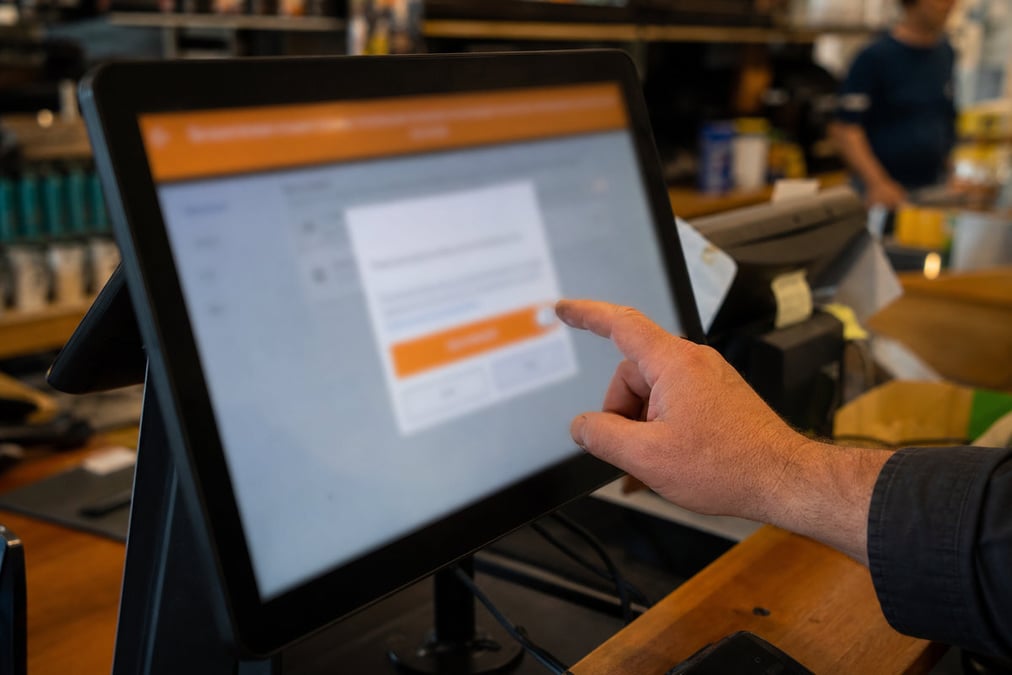
POS detects lost internet or Retail Express connectivity and prompts you to wait or work offline. Or click Trade Offline from the login screen or POS home when your connection is unstable. An orange banner confirms offline mode; POS reminds you when connection is restored so you can go back online and start syncing.

Book a demo
Z02 Core Selling
Keep selling

Core selling features offline

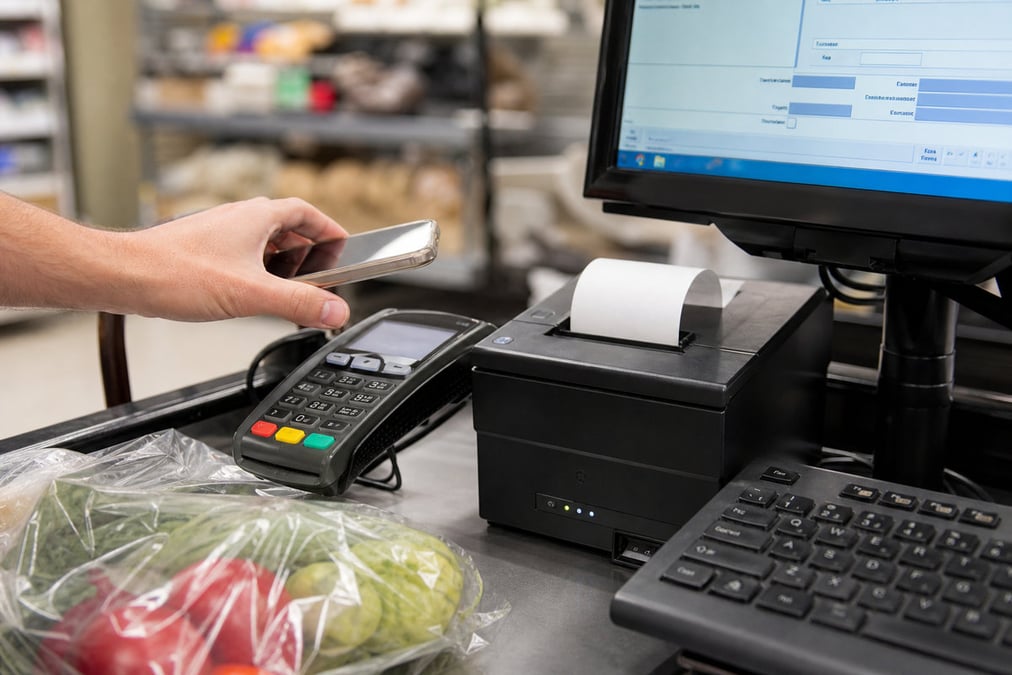
While offline you can scan and search products, apply discounts (including max discount rules), search and add customers, add delivery addresses, process payments, print receipts and invoices, enter Money In/Out, use promotional campaigns (except those with usage limits), and process blank refunds. Store access restrictions still apply per user permissions.

Book a demo
Z03 Local Sync
Auto sync

Local server, automatic cloud sync

Sales, refunds, and customer edits save to your local Offline POS server, not lost when the browser refreshes. When connectivity returns, transactions upload automatically to Retail Express cloud. Invoice numbers for offline sales use a separate sequence from online sales. Filter the Sales Report and Income Report for offline-mode transactions after sync.

Book a demo
Z04 Sync Status
Sync health

Sync status you can monitor

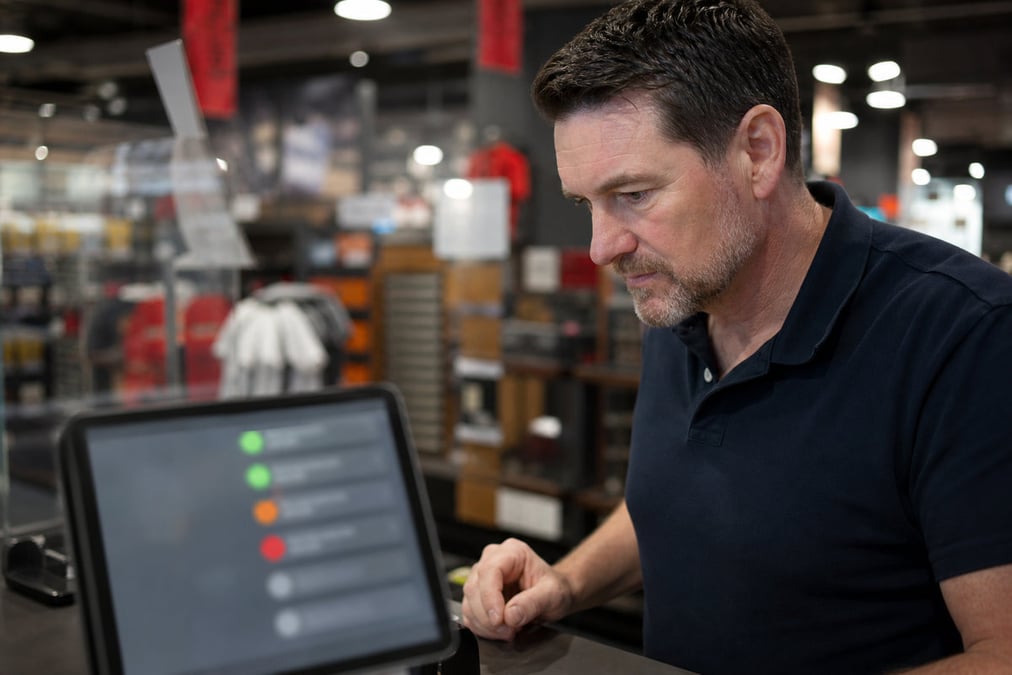
A status icon on the POS home screen shows sync health, green when in sync (typically within 48 hours of the last full sync); orange or red when out of sync or stalled. Back office Offline POS Servers under External Services in Reports lists all offline servers with status. Manually trigger a resync from back office or restart local Windows services if needed.

Book a demo
Z05 Windows Install
Setup

One install per store on Windows

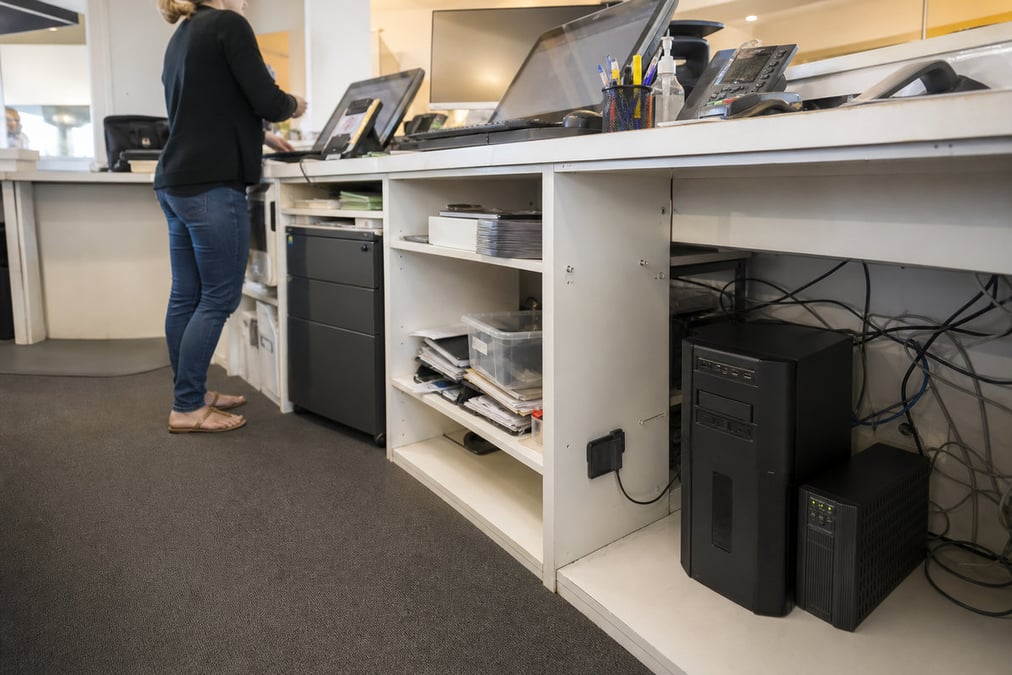
Install Offline POS during implementation & onboarding once per store on a dedicated Windows PC (32-bit or 64-bit). Enter your Client ID, POS credentials, and store during setup. Initial product sync runs in the background while you continue trading online. Check sync status daily so offline mode is ready before you need it.

Book a demo
Z06 Limits
Honest limits

Know what's unavailable offline

Offline POS is for emergency trading, not every feature transfers. Stock levels, laybys, voucher redemption, loyalty points, invoice-based refunds, transfers, cash up, custom attributes, and disabled products are unavailable offline. Integrated EFTPOS may still work if your terminal has a built-in modem and can communicate locally. Cash up after sync completes.

Book a demo

Integration

eCommerce Stock

Our omni-channel POS software integrates with Shopify eCommerce to ensure your bricks and clicks stores operate in perfect unison. Try a FREE DEMO.

Learn more →
Accounting System

Our POS software integrates with XERO to provide true financial visibility and makes it easy to manage accounting and bookkeeping. Learn more with a FREE DEMO.

Learn more →
Accounting System

Our POS software integrates with MYOB to provide true financial visibility and makes it easy to manage accounting and bookkeeping. Try a FREE DEMO.

Learn more →
POS Payments

Integrate Afterpay, the leading Buy Now, Pay Later service with Australia & NZ’s #1 POS software. Provide the payment options that shoppers demand. Try a FREE DEMO today!

Learn more →
Integration

Leading supplier of barcode scanners to perform stocktakes in Retail Express.

Learn more →
Integration

Leading supplier of barcode scanners to perform stocktakes in Retail Express.

Learn more →
Integration

Leading supplier of barcode scanners to perform stocktakes in Retail Express.

Learn more →
Integration

Leading supplier of barcode scanners to perform stocktakes in Retail Express.

Learn more →
EDI & Marketplaces

Retail Express - the #1 Retail POS System - integrates with The ICONIC allowing you to profitably manage your marketplaces, physical and online stores from one centralised platform.

Learn more →
Integration

Leading supplier of barcode scanners to perform stocktakes in Retail Express.

Learn more →
Stock & Logistics

Leading supplier of barcode scanners to perform stocktakes in Retail Express.

Learn more →
EDI & Marketplaces

Retail Express - the #1 Retail POS System - integrates with David Jones Online allowing you to profitably manage your marketplaces, physical and online stores from one centralised platform.

Learn more →
Integration

Leading supplier of barcode scanners to perform stocktakes in Retail Express.

Learn more →
Integration

Leading supplier of barcode scanners to perform stocktakes in Retail Express.

Learn more →
Integration

Leading supplier of barcode scanners to perform stocktakes in Retail Express.

Learn more →
eCommerce Stock

Our omni-channel POS software integrates with Magento eCommerce to ensure your bricks and clicks stores operate in perfect unison. Try a FREE DEMO.

Learn more →
Integration

Leading supplier of barcode scanners to perform stocktakes in Retail Express.

Learn more →
EDI & Marketplaces

Build an integrated eCommerce and in-store experience that your customers and members will love with Retail Express & Marketplacer.

Learn more →
Integration

Leading supplier of barcode scanners to perform stocktakes in Retail Express.

Learn more →
Integration

Leading supplier of barcode scanners to perform stocktakes in Retail Express.

Learn more →
Accounting System

Deliver unrivalled omni-channel customer experience and operational efficiency with the #1 multi-store Retail POS Software and NetSuite ERP Integration. Try our Free DEMO

Learn more →
POS Payments

Simplify your finances and retail management with the #1 Xero integrated POS.

Learn more →
Analytics

Get the retail reporting power and deep insights your need with the Retail Express POS and Phocas BI software integration. Try a FREE DEMO today!

Learn more →
Stock & Logistics

Maximise accuracy of your inventory tracking and purchasing with an integrated RFID and POS Solution from Retail Express and RAMP. Try a FREE DEMO today!

Learn more →
Analytics

Get instant visibility of the performance metrics critical to omni-channel retail success with Retail Express and The Retail Score. Try a FREE DEMO.

Learn more →
Stock & Logistics

Maximise accuracy of your inventory tracking and purchasing with an integrated RFID and POS Solution from Retail Express and RAMP. Try a FREE DEMO today!

Learn more →
Integration

Leading supplier of barcode scanners to perform stocktakes in Retail Express.

Learn more →
Integration

Leading supplier of barcode scanners to perform stocktakes in Retail Express.

Learn more →
EDI & Marketplaces

Retail Express - the #1 Retail POS System - integrates with The ICONIC allowing you to profitably manage your marketplaces, physical and online stores from one centralised platform.

Learn more →
Analytics

Get instant visibility of the performance metrics critical to omni-channel retail success with Retail Express and The Retail Score. Try a FREE DEMO.

Learn more →
Enterprise Resource Planning

Get a best-in-class B2C and B2B omni-channel tech stack that's purpose-made for Fashion and Footwear Retail. Deliver unrivalled omni-channel customer experiences and operational efficiency with the #1 multi-store Retail POS Software and Sync ERP Integration. Try our Free DEMO

Learn more →
Integration

Leading supplier of barcode scanners to perform stocktakes in Retail Express.

Learn more →
EDI & Marketplaces

Retail Express - the #1 Retail POS System - integrates with The ICONIC allowing you to profitably manage your marketplaces, physical and online stores from one centralised platform.

Learn more →
Ticketing

Retail Express - the #1 Retail POS System - integrates with the Leading In-Store Ticketing Automation Solution from Ticket-IT. Learn more with a FREE DEMO.

Learn more →
Integration

Leading supplier of barcode scanners to perform stocktakes in Retail Express.

Learn more →
POS Payments

Integrate Tyro EFTPOS with Australia & NZ’s #1 POS software. Provide the payment options that shoppers demand. Try a FREE DEMO today!

Learn more →
Integration

Leading supplier of barcode scanners to perform stocktakes in Retail Express.

Learn more →
eCommerce Stock

Our omni-channel POS software integrates with WooCommerce to ensure your retail stores and Wordpress ecommerce store operate in perfect unison. Try a FREE DEMO.

Learn more →

Retail Express

How it works

Step 1

Install & sync

Set up Offline POS on one Windows PC per store; wait for initial product and pricing sync (green status icon).

Step 2

Trade offline

Connection drops or click Trade Offline; process sales locally with core POS features.

Step 3

Reconnect & sync

Go back online; transactions upload automatically, then complete cash up and verify totals via sales reports.

Offline POS System for AU & NZ Retail FAQ

Answers for retailers in Australia and New Zealand.

Offline POS is till software that keeps working when your internet connection drops. It saves products, prices, and sales on a local device or server, then syncs those sales to the cloud when you are online again. Retail Express Offline POS is that emergency mode for AU and NZ product retailers: keep scanning, taking payments, and printing receipts without waiting for Wi-Fi.

Yes, if it has an offline mode (or is a local/hybrid system). Pure cloud-only tills usually stop when connectivity fails. Retail Express runs as cloud POS day to day, and Offline POS on a Windows PC per store covers outages so the counter can keep trading. For day-to-day cloud POS, see cloud POS system.

Online (cloud) POS needs internet to run the till and update stock and reports in real time. Offline POS runs sales locally during an outage, then uploads when the connection returns. Retail Express uses both: cloud POS for normal trading, and offline mode for emergencies. Offline is not a full copy of every online feature (no live stock lookup, laybys, vouchers, or cash up until you sync).

Retail Express is cloud retail POS with an emergency offline POS mode. You install Offline POS on one Windows PC per store, keep selling locally when internet or cloud access drops, then sync sales automatically when you are back online. See retail POS software.

Scan and search products, apply discounts, add customers and delivery addresses, take payments, print receipts and invoices, enter Money In/Out, use most promotional campaigns (except those with usage limits), and process blank refunds. Staff store-access rules still apply.

Live stock levels, laybys, voucher redemption, loyalty points, invoice-based refunds, stock transfers, cash up, custom attributes, and disabled products. Offline POS is for emergency trading, not every online workflow. Cash up after sync completes.

Sometimes. If your payment terminal has a built-in modem and can talk to the PC without internet, integrated EFTPOS may still work. Otherwise card payments may not be available and you may be limited to cash or other offline-safe methods. Confirm your terminal setup in a demo. See EFTPOS hardware.

Automatically when connection is lost (choose work offline when prompted), or manually with Trade Offline on the POS login or home screen. An orange banner shows you are offline. When the connection returns, go back online and sync starts.

Up to 7 consecutive days, with no limit on the number of transactions. You must go back online after 7 days.

Automatically when you go back online. Offline invoice numbers use a separate sequence from online sales. After sync finishes, run cash up and filter Sales or Income reports for offline-mode transactions if you need to check them.

One Windows PC per store. Multi-store groups install once in each location during implementation & onboarding.

No. Offline POS installs on a dedicated Windows PC per store. Day-to-day cloud POS can run in the browser on iPad when you are online; emergency offline trading needs the Windows offline server. Retail Express is not a cash-only Android “offline POS app.” See POS hardware.

AU and NZ product retailers who cannot afford a frozen till during outages, especially regional shops, busy Saturday peak trade, and any store with unreliable connectivity. Most shops should install it and keep sync status green before they need it.

Offline POS sits inside Retail Express plans for eligible setups. See pricing. Hardware for the Windows host and EFTPOS is separate.

Book a demo

Don't let a dropped connection drop your sales

Offline POS system for AU & NZ retail · keep selling when the internet drops · automatic sync · book a demo