The "Hardware Lock-in" Trap
Many POS providers force you to buy their expensive, proprietary hardware. If it breaks, you're stuck waiting for their specific parts.
Retail Express
Retail Express is cloud POS software, not a locked-in hardware kit. Choose compatible printers, scanners and tills for your store, then connect them with the Retail Express Hardware Utility on Windows.
Common pain points
Many POS providers force you to buy their expensive, proprietary hardware. If it breaks, you're stuck waiting for their specific parts.

A mess of cables and incompatible devices makes your store look unprofessional and creates more points of failure during a rush.
If your hardware loses its connection to the cloud, your checkout grinds to a halt. You need a setup that stays connected, no matter what.
Retail Express
Why settle for one-size-fits-all? Retail Express runs on standard Windows PCs, laptops, and tablets. This means you can source your own hardware or keep using your existing equipment if it meets our simple specs. You get the best of both worlds: modern cloud software on the hardware you already know and trust.
Book a demo →
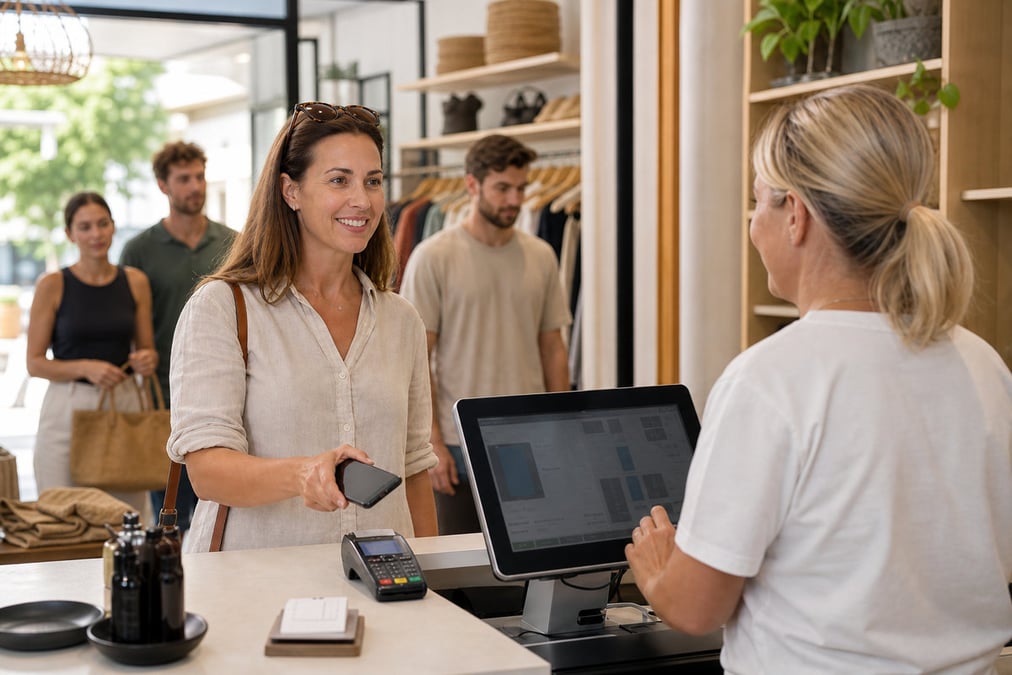
Our proprietary Hardware Utility is the "secret sauce" that makes our cloud POS feel like a local system. It runs quietly in the background, managing your printers and scanners so they are always ready to go. It’s designed to handle the heavy lifting of a busy retail day, ensuring every receipt prints and every barcode scans instantly.
Book a demo →
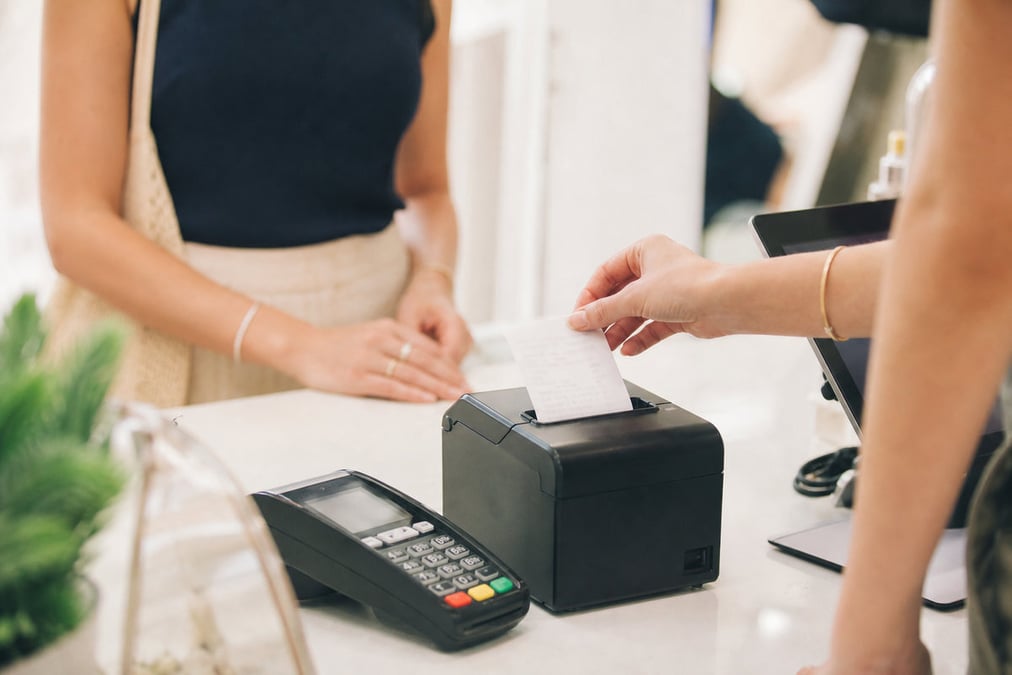
We support industry-standard Epson-compatible receipt printers, the gold standard for retail. Whether you need USB for a single counter or Ethernet for a shared printer setup, Retail Express handles it with ease. Your cash drawer plugs directly into the printer, opening automatically the moment you finish a sale.
Book a demo →

Speed up your checkout and eliminate manual errors with compatible USB or wireless barcode scanners. Retail Express works with almost any standard scanner that can "talk" to a computer. From high-speed checkout scanning to mobile stocktakes in the warehouse, our hardware compatibility keeps your data accurate.
Book a demo →

Eliminate "fat-finger" errors by connecting your EFTPOS terminal directly to your POS. We partner with leaders like Tyro and Linkly to provide a seamless payment flow. The sale total is sent automatically to the terminal, and the payment status flows back to Retail Express instantly. It’s faster for staff and safer for your bottom line.
Book a demo →

Need another lane for a weekend sale? Retail Express lets you add registers and share printers or EFTPOS terminals across desktops, tablets or iPads through a Windows Hardware Utility host, so peak traffic does not force a full second hardware stack.
Book a demo →Shopify
Ecommerce
Become truly omni-channel with the #1 integrated Shopify POS solution.
Xero
Accounting
Streamline your processes, introduce smart retail practices and make more informed ...
MYOB
Accounting
Streamline processes, introduce smart retail practices & make informed decisions with ...
Afterpay
Payments
Provide the experience and payment options today’s shoppers demand with our Afterpay - ...
zipPay
Payments
Offer Buy Now Pay Later solutions to your customers with direct integration to Retail ...
BigCommerce
Ecommerce
A design platform which lets you create stores that engage shoppers and make more sales.
Bike Exchange
Marketplace
The leading marketplace for bikes and accessories.
Blix
Analytics
Gives you walk-in and customer engagement numbers meaning you can assess performance ...
Answers for retailers in Australia and New Zealand.
Proprietary hardware lock-in makes replacements expensive and slow. Retail Express is software-first: you source industry-standard printers, scanners and drawers, then connect them through the Retail Express Hardware Utility rather than buying a closed machine pack.
No. Preferred partners can supply ready-made kits, but you can also reuse existing compatible gear or buy your own Epson-style printers, USB scanners and cash drawers that meet Retail Express compatibility standards.
Yes. Retail Express is browser-based and runs in Chrome on Mac or iPad. For the most reliable printer, scanner and integrated EFTPOS connection, keep at least one Windows PC on the counter as the Hardware Utility host that other devices can share.
Many retailers add 4G/5G backup so cloud POS stays online. For planned offline trading, Retail Express also offers Offline POS so the till can continue taking sales and sync when connectivity returns. Confirm Offline POS fit during solution design.
Usually yes if it is a standard USB keyboard-wedge scanner. If it can type a barcode into Notepad, it will typically work at the Retail Express till.
You can add extra registers as checkout capacity grows. Use permanent desktop lanes for main counters and tablets or iPads for line-busting, including hardware sharing from a Windows host where needed. Extra register licensing is confirmed with your plan.
Install the Retail Express Hardware Utility on your Windows PC, then follow the printer and payment-provider pairing steps. Support can walk through first-register setup if you need help.
Usually not. Most retail cash drawers are printer-driven: the receipt printer opens the drawer via an RJ11 cable when a sale completes in Retail Express.
Choose compatible printers and scanners, connect them with the Retail Express Hardware Utility, and scale registers as trade grows.