Hero Landscape

Retail Express

POS Payments at the Till for AU & NZ Retail

Slow tills often get stuck at payment: typing the card total twice, opening another app for Afterpay, or stopping the sale when someone wants to pay part cash and part card. Retail Express keeps POS payments on one screen, cash, integrated EFTPOS, split pay, Afterpay, Zip, and refunds, so the line keeps moving.

Common pain points

Hard payments mean longer queues

Card total typed twice

Typing the amount again on a separate EFTPOS keypad wastes time and leads to mistakes on every card sale.

Split pay needs a workaround

Part cash, part card, or two cards on one basket should not need a notepad or a second system.

Afterpay and refunds leave the till

Afterpay, Zip, and refunds done outside POS break the sale record and slow end-of-day cash up.

Retail Express

How to choose the best POS system

Z01 Integrated Eftpos
Card payments

Integrated EFTPOS from POS

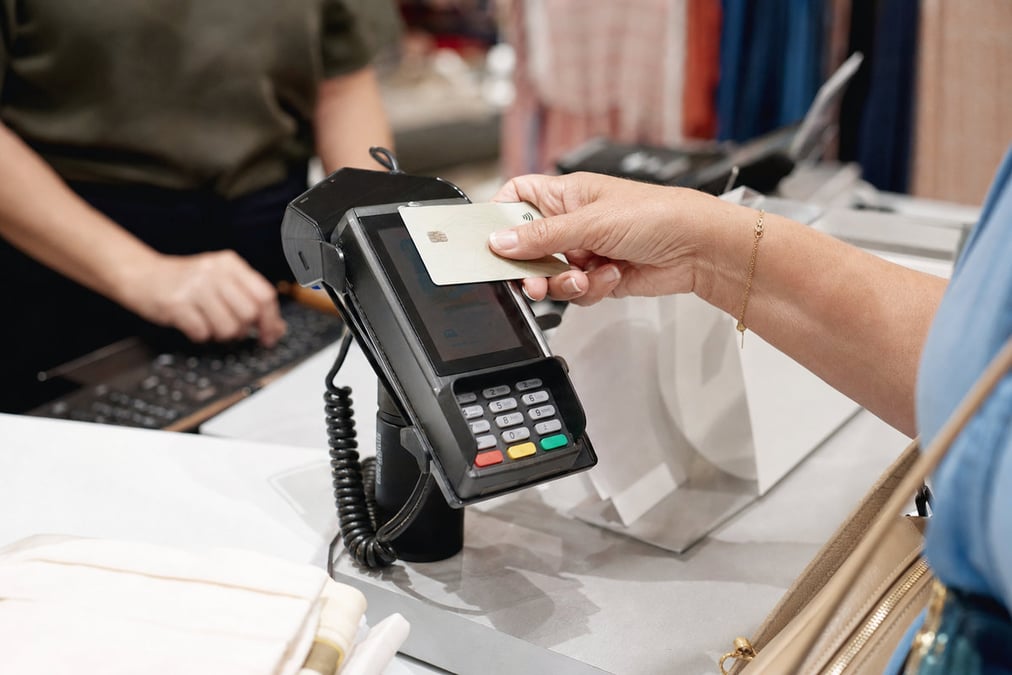
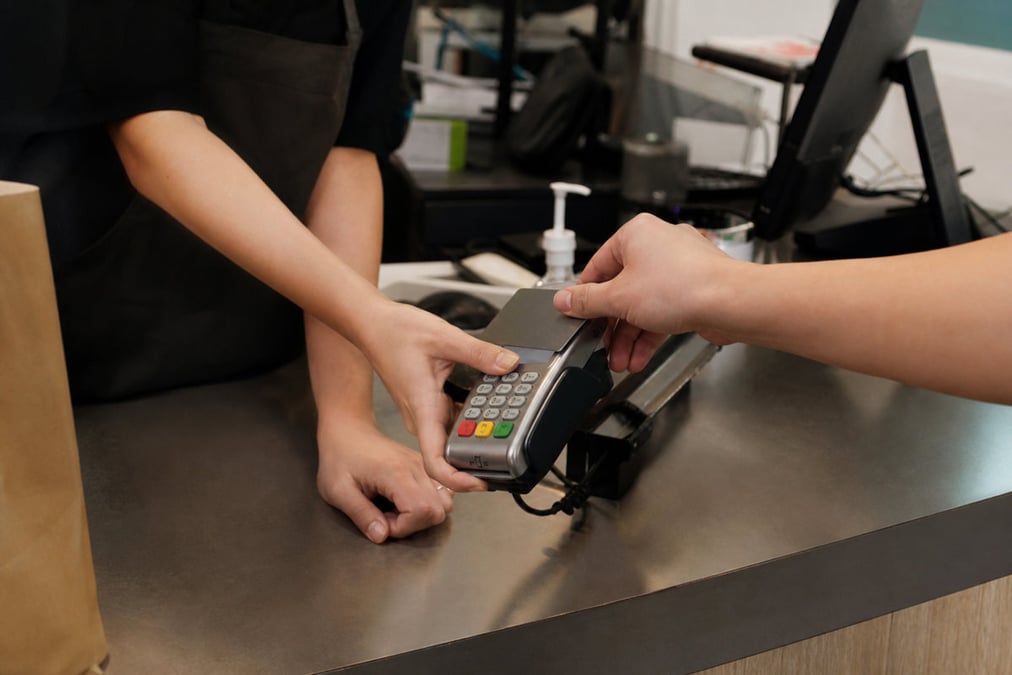
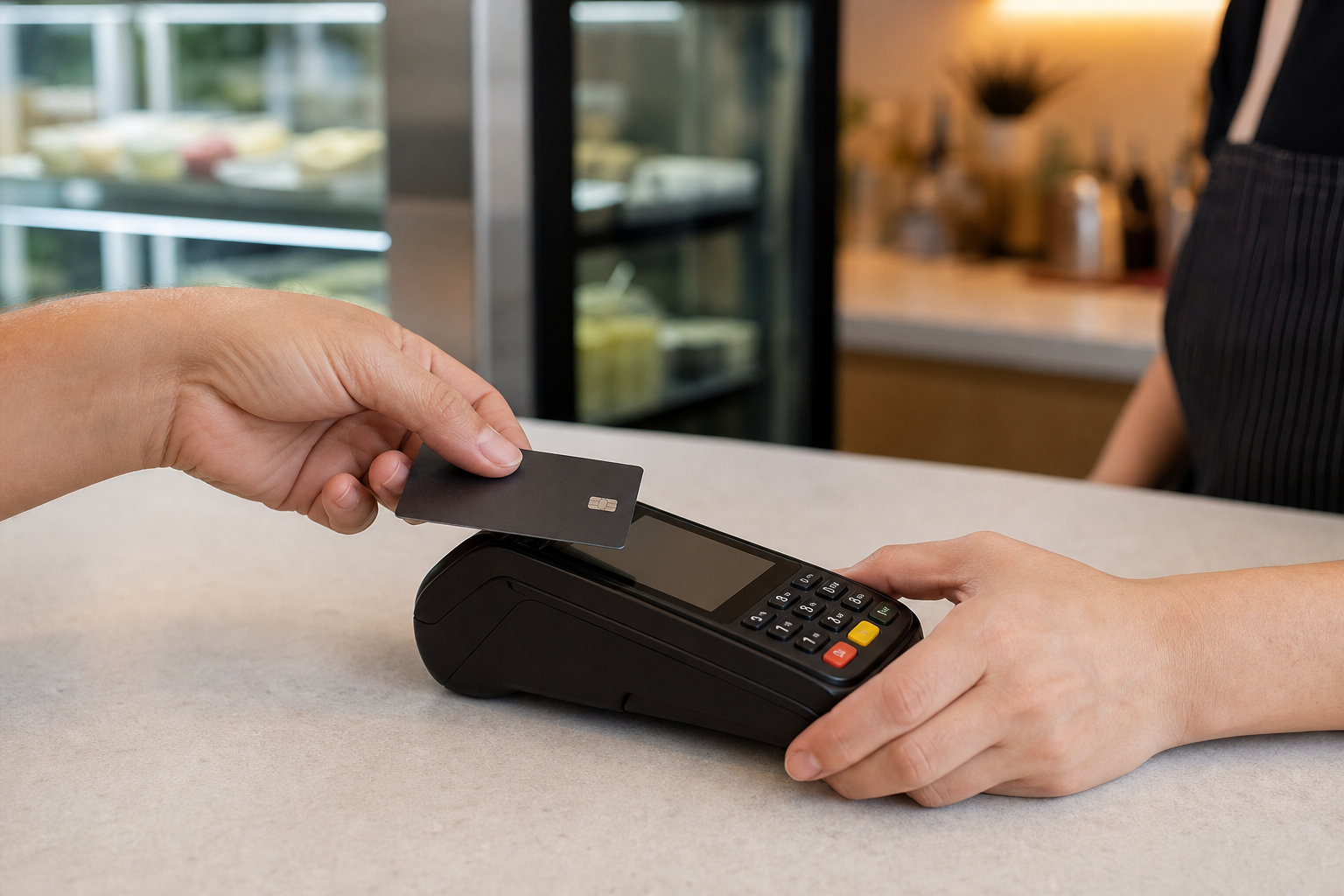
Start the card payment from the sale screen. The amount goes to the card machine and the result comes back to the sale, so staff do not type the total again. Faster lines and fewer mistakes at cash up. Setup guide: EFTPOS hardware.

Book a demo
Z02 Split Payments
Split pay

Split and partial payments

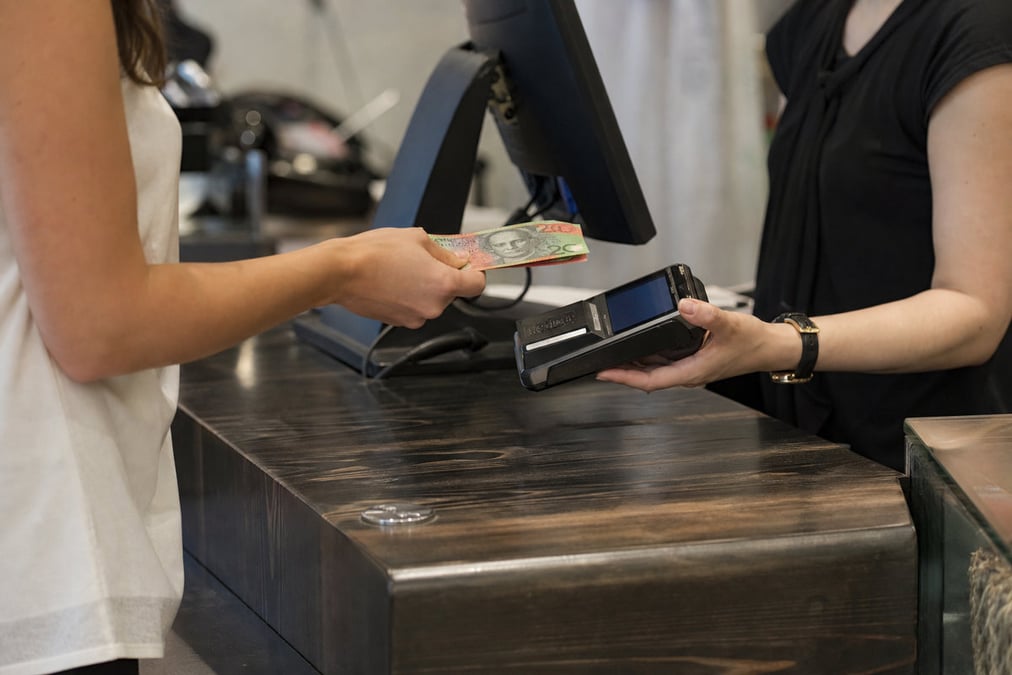
The customer can pay part cash and part card, or use more than one method on one sale. Staff add payments on the Payments tab until the amount due is zero, with no notepad maths and no half-finished sale.

Book a demo
Z03 Bnpl
Afterpay & Zip

Buy now pay later at the till

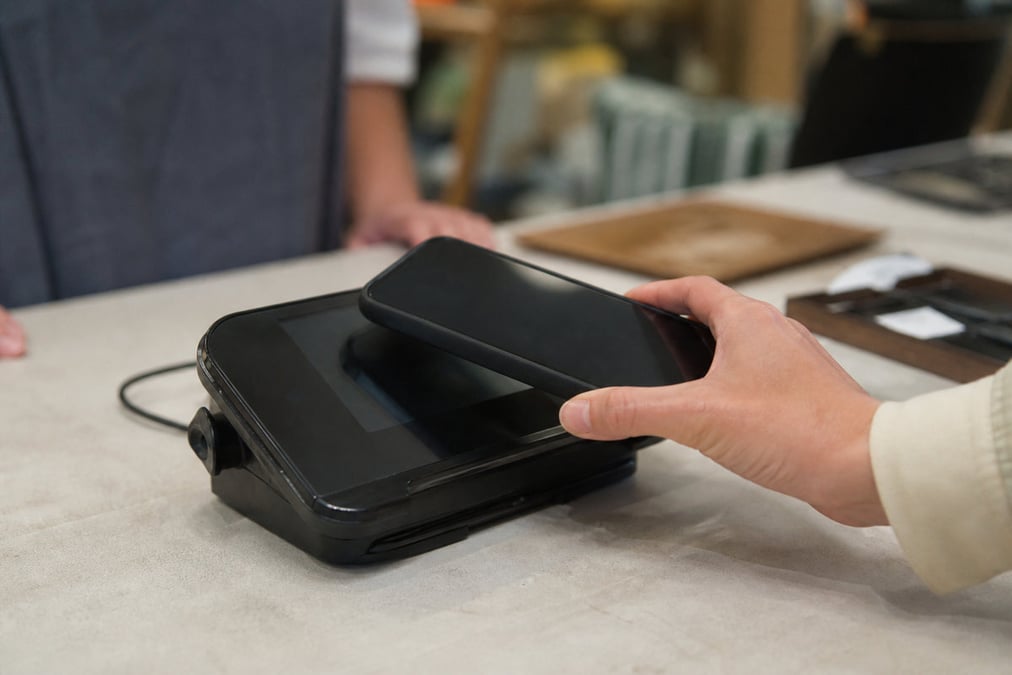
Afterpay Card (tap on EFTPOS) and Zip (Store Code) work as payment types on the same sale screen. For setup and limits, see BNPL at POS.

Book a demo
Z04 Refunds
Refunds

Refunds on the original sale

Process refunds on the original sale where you can, without leaving POS. Payments stay linked to the sale for register cash up, so end of day matches what happened at the till. See POS cash up.

Book a demo

POS Payments at the Till for AU & NZ Retail FAQ

Answers for retailers in Australia and New Zealand.

Yes. Retail Express is a cloud POS payment system for AU and NZ product retail. On the Payments tab, staff take cash, integrated EFTPOS, manual MOTO/EFTPOS, Afterpay Card, Zip, and other payment types you enable. Full, partial, and split payments stay on one sale for reports and cash up.

In Retail Express you can use cash, integrated EFTPOS, manual MOTO/EFTPOS, Afterpay Card, Zip, and other payment types you turn on in POS Settings. Exact card and buy-now-pay-later options depend on your card machine and merchant setup. See EFTPOS hardware and BNPL at POS.

Yes. In Retail Express, take the full amount or part of it across more than one method on the Payments tab until the amount due is zero, for example part cash and part card, or two cards on one basket.

Yes. Retail Express integrated EFTPOS sends the sale amount to the card machine and brings the result back to the sale, so staff do not type the total again. That saves time and cuts typing errors. Setup guide: EFTPOS hardware.

In Retail Express, POS payments are how the till records how the customer paid (cash, card, Afterpay, Zip, split pay, refunds). An EFTPOS machine is the card terminal that takes cards. Retail Express links to integrated machines (Tyro, Linkly, NZ PC EFTPOS). For the machine itself, see EFTPOS hardware. If you searched pos and eftpos, you often need both: this page for till payments, that page for the card machine.

Yes. Retail Express supports Afterpay Card and Zip as payment types on the till. Turn them on in POS Settings, then take them on the same sale screen as cash and card. Afterpay Card works as a tap on compatible EFTPOS; Zip uses a Store Code. Setup and limits: BNPL at POS.

In Retail Express, Manual MOTO/EFTPOS lets staff record a card payment taken on a phone order or a standalone card machine. The sale still shows the right payment type for reports and cash up when the amount did not come through integrated EFTPOS.

In Retail Express, refund against the original sale where you can, so payments and reports stay accurate. Zip and some buy-now-pay-later paths have their own refund rules, covered on BNPL at POS. Refunds stay in POS so they show in POS cash up.

Yes. In Retail Express, each payment sits on the sale and the register, so end-of-day cash up and sales reports can match how people paid, without typing it all again. See POS registers and POS cash up.

Retail Express software is a monthly fee per store. Card fees and EFTPOS fees are charged by your payments provider (for example Tyro), not as a separate “POS payments” product from Retail Express. See pricing.

Book a demo

See POS payments on your shop floor

Cash · integrated EFTPOS · split pay · Afterpay & Zip · refunds · book a demo