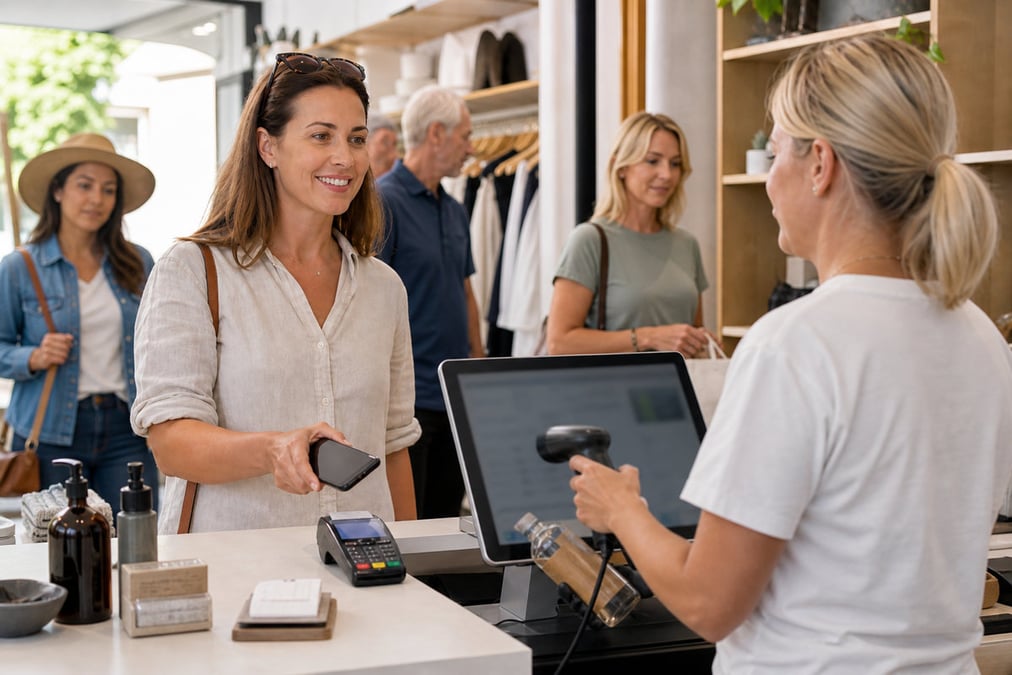
Staff calculate deals at the till
When pos promotion rules live in spreadsheets or memory, checkout slows and the wrong price rings up. Customers lose trust and staff lose time.
Retail Express
Retail Express retail promotions help you run BOGO, tiered and coupon-locked discount campaign rules that apply automatically as products scan at POS, with store targeting, customer filters and sales reporting.
Common pain points
When pos promotion rules live in spreadsheets or memory, checkout slows and the wrong price rings up. Customers lose trust and staff lose time.

Without per-customer limits and locked codes, retail coupons are shared widely and margin disappears on deals you never intended to run storewide.
If campaign sales are not tied to reporting, you cannot tell which retail promotion drove volume versus which deal simply discounted existing demand.
Retail Express
Discounts calculate as products scan, no manual math. Configure buy-one-get-one-free, buy 3 for 2, buy 5 for $50, spend thresholds, or buy X get 50% off product Y. Campaign name appears on invoices and receipts. Promotions recalculate when the order changes.
Book a demo →

Add up to three tiers per campaign, for example buy 3 get 10% off, buy 5 get 20% off, buy 8+ get 30% off. Use Buys for exact quantities or Buys at least for minimum thresholds. Reward types include % discount, $ discount, $ bundle total, or $ unit price.
Book a demo →
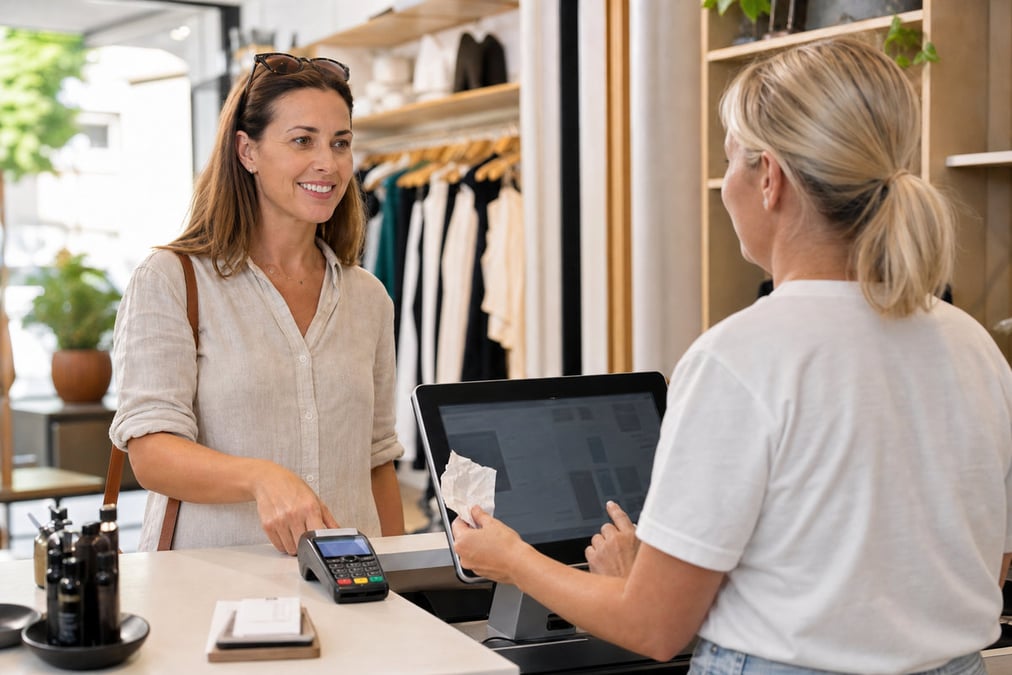
Require a coupon code to unlock a campaign, auto-generate codes or set your own. Limit redemptions per customer when a customer is on the sale. Staff redeem at POS via the Coupons button. Override expired or invalid coupons with manager permissions. Usage-limit campaigns are not available in offline POS.
Book a demo →

Qualify products via dynamic filters or fixed SKUs. Add benefit products for cross-sell rewards such as buy wine, get corkscrew free. Restrict to selected stores. Filter qualifying customers by attributes. Bulk activate or deactivate multiple campaigns from the campaign list.
Book a demo →

Max discount rules still apply so campaigns cannot discount below the configured floor. Manually discounted lines are excluded. Filter the Sales Report by promotional campaign to see which sales used each deal. Duplicate campaigns to clone rules for new seasons.
Book a demo →Shopify
Ecommerce
Become truly omni-channel with the #1 integrated Shopify POS solution.
Xero
Accounting
Streamline your processes, introduce smart retail practices and make more informed ...
MYOB
Accounting
Streamline processes, introduce smart retail practices & make informed decisions with ...
Afterpay
Payments
Provide the experience and payment options today’s shoppers demand with our Afterpay - ...
zipPay
Payments
Offer Buy Now Pay Later solutions to your customers with direct integration to Retail ...
BigCommerce
Ecommerce
A design platform which lets you create stores that engage shoppers and make more sales.
Bike Exchange
Marketplace
The leading marketplace for bikes and accessories.
Blix
Analytics
Gives you walk-in and customer engagement numbers meaning you can assess performance ...
Answers for retailers in Australia and New Zealand.
Relying on staff to manually calculate deals at the till slows down the checkout and leads to costly margin errors. Built-in retail promotions software like Retail Express automatically applies BOGO, multi-buy bundles, spend thresholds, and tiered quantity discounts the moment qualifying products are scanned.
Staff click Coupons in the Retail Express POS, enter or scan the code, and apply. An orange tag shows discounted lines. Campaigns with usage limits require a customer to be attached to the sale.
In Retail Express, Buys requires an exact quantity, including multiples (e.g. buy exactly 2). Buys at least sets a minimum; every additional unit qualifies for the discount once the initial threshold is met.
Yes. A bogo campaign is a standard promotional campaign rule in Retail Express, for example buy one get one free or buy one get one 50% off, applied automatically at POS.
Yes. You can assign campaigns to specific stores on the Stores tab when you build the rule in the Retail Express back office.
Yes. Retail Express campaigns cannot discount products below your configured max discount floors. Additionally, any manually discounted or price-overridden lines are automatically excluded from campaigns to protect your margin.
Use the Retail Express Sales Report and filter by Promotional Campaign to see exactly which sales used each deal. See retail reporting and analytics for broader performance views.
Having too many active campaigns can reduce POS performance due to calculation complexity. For storewide price changes across thousands of SKUs, Retail Express recommends using the product mass download tool instead of running many simultaneous campaigns.
Promotional campaigns are included in your Retail Express subscription. See our pricing page for details.
Retail promotions and coupon campaigns for AU & NZ retailers · book a demo