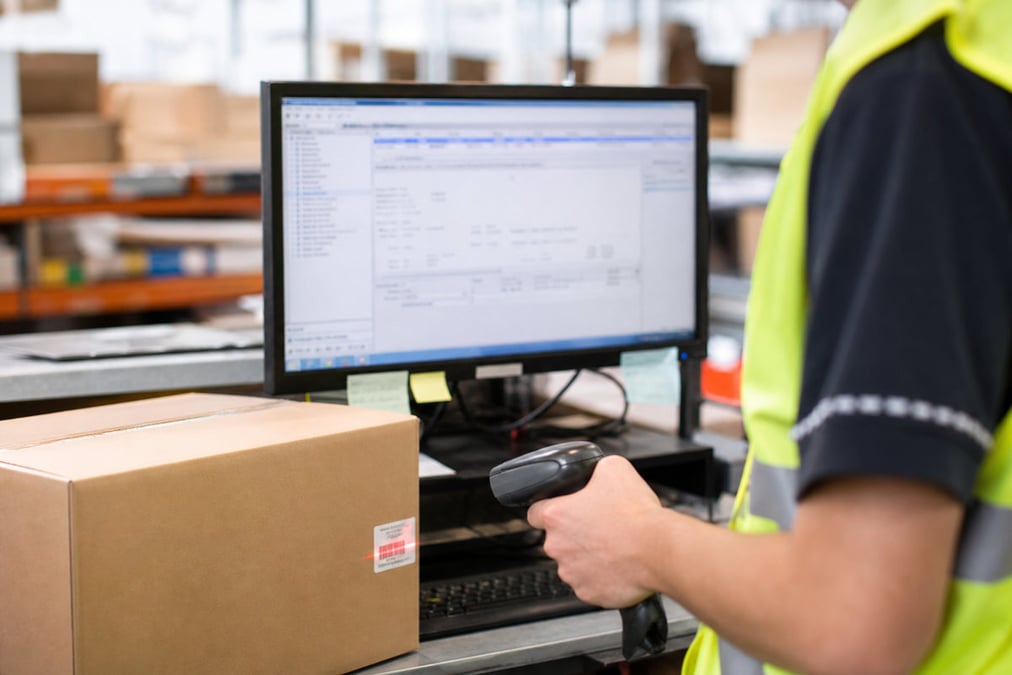
Manual data entry
Manually re-keying customer addresses and order details into shipping software is slow and leads to delivery errors.
Retail Express
Retail Express automatically syncs your fulfilled orders with Shippit. Eliminate manual data entry by automatically sending delivery details to Shippit so you can print labels and book couriers the moment an order is ready to ship.
Common pain points
Manually re-keying customer addresses and order details into shipping software is slow and leads to delivery errors.

Without an automated sync, there is a delay between fulfilling an order and booking the courier, leading to longer delivery times for customers.
When shipping is disconnected from your POS, it is difficult for staff to quickly find tracking numbers and update customers on their order status.
Retail Express
Orders sync to Shippit the moment they are fulfilled in Retail Express. This means your warehouse team can focus on picking and packing, while the system handles the data transfer. Once fulfilled, the order details are sent automatically to Shippit, ready for you to print labels and book the courier without any manual re-keying.
Book a demo →

You can fulfil orders directly from the POS screen or in bulk using the Fulfilment Report. Both paths trigger the sync to Shippit, giving you the flexibility to manage individual sales or high-volume web orders. Once synced, tracking numbers are visible in the POS, allowing staff to quickly answer customer queries.
Book a demo →

Retail Express allows you to map your internal freight types to specific Shippit delivery services. Whether it is standard, express or priority shipping, the system ensures the correct courier service is selected in Shippit based on the customer's choice at checkout. This ensures consistency and accuracy for every shipment.
Book a demo →

If you ship from multiple locations, you can match API keys to specific fulfilment stores for automatic pickup routing. You can also choose which order reference to use, ensuring that customers see consistent order numbers across your web store, POS and Shippit tracking emails.
Book a demo →
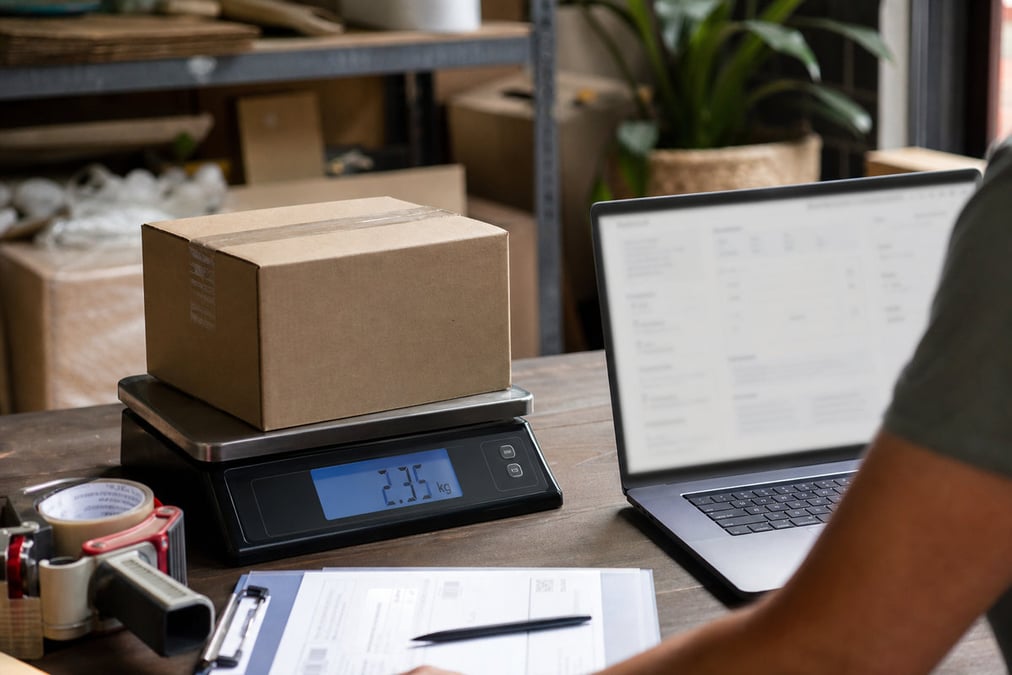
The integration sends all the essential details to Shippit, including delivery addresses, receiver contact info and product weights. It supports domestic and international orders, as well as partial fulfilments. This ensures that Shippit has everything it needs to generate accurate labels and provide reliable shipping quotes.
Book a demo →Once an order is synced and booked in Shippit, the tracking number and a direct link to the Shippit order appear in your Retail Express POS. This gives your store staff immediate visibility into the shipment status, allowing them to provide better customer service without leaving the POS screen.

Book a demo →Shopify
Ecommerce
Become truly omni-channel with the #1 integrated Shopify POS solution.
Xero
Accounting
Streamline your processes, introduce smart retail practices and make more informed ...
MYOB
Accounting
Streamline processes, introduce smart retail practices & make informed decisions with ...
Afterpay
Payments
Provide the experience and payment options today’s shoppers demand with our Afterpay - ...
zipPay
Payments
Offer Buy Now Pay Later solutions to your customers with direct integration to Retail ...
BigCommerce
Ecommerce
A design platform which lets you create stores that engage shoppers and make more sales.
Bike Exchange
Marketplace
The leading marketplace for bikes and accessories.
Blix
Analytics
Gives you walk-in and customer engagement numbers meaning you can assess performance ...
Answers for retailers in Australia and New Zealand.
Manual courier booking requires re-keying customer addresses and order details, which is slow and leads to delivery errors. A dedicated Shippit integration like the one built into Retail Express automates this process, sending delivery details to Shippit the moment an order is fulfilled in your POS, so you can print labels instantly.
The Shippit integration is a licensed add-on for Retail Express. Please contact our sales team for current pricing and to have the module enabled for your account.
Yes. You can fulfil products individually per freight type. Each fulfilment event will create a separate shipment order in Shippit, ensuring the correct service is used for each part of the order.
No. Tracking numbers are visible in the Retail Express POS but are not automatically synced back to Shopify by Retail Express. This is a one-way integration from Retail Express to Shippit.
Yes. You can connect multiple Retail Express stores to a single Shippit account. You can also manage separate pickup locations per store if your Shippit subscription supports it.
You can configure the integration to use either the Retail Express order number or an external order reference (like your Shopify order number), ensuring consistency across your systems.
If an order fails to sync, Retail Express will attempt to retry the upload. You can also review any errors in your integration settings and manually create the shipment in Shippit if needed.
No. The integration is a one-way sync from Retail Express to Shippit. Any changes or deletions made directly in Shippit will not be reflected back in your Retail Express POS.
Stop wasting time on manual data entry and start using a retail system that automates your shipping workflow.