Hero Landscape

Retail Express

Stock Transfers Between Stores

One store runs out while another is overstocked. Retail Express lets teams move stock between stores and warehouses with quick POS transfers or staged back-office workflows, so inventory lands where demand is.

Common pain points

Wrong stock in the wrong store means lost sales

Staff call other stores manually

Phone checks and spreadsheet notes slow down transfers and create errors before stock even leaves the shelf.


No one knows what is in transit

Without transfer stages, teams cannot see if stock was only requested, already dispatched, or physically received.

Urgent moves and warehouse moves get mixed

A quick store-to-store transfer needs speed, while warehouse flows need request, pick, and receive controls.

Retail Express

How to choose the best POS system

Z01 Pos Transfers
Front-line workflow

Send and receive at POS

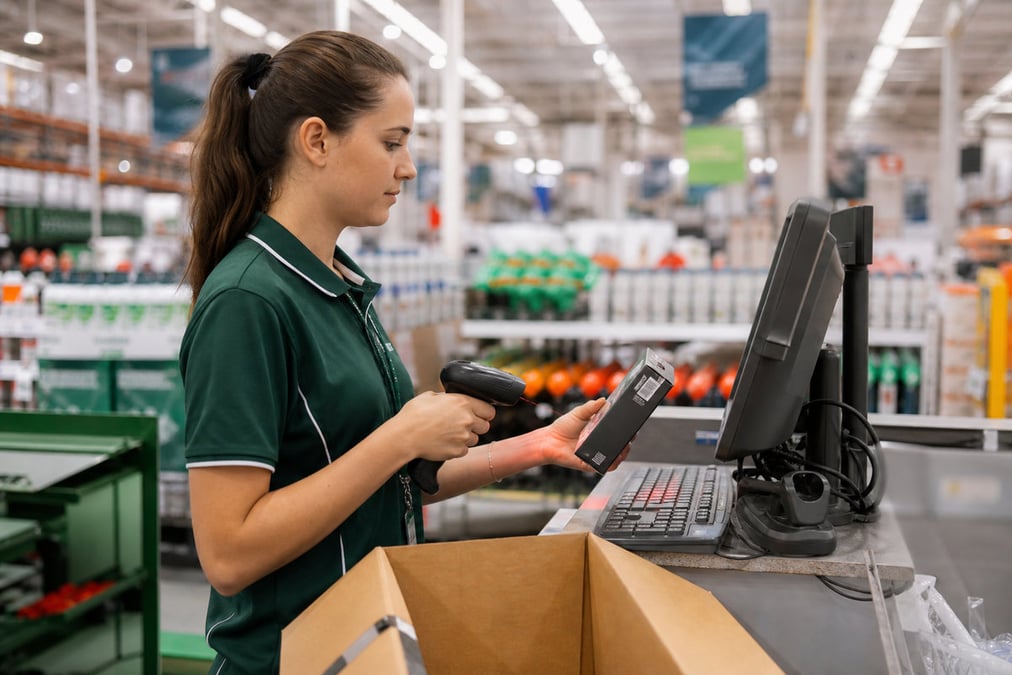
In Retail Express POS, staff open Transfers to send stock out or receive incoming stock, scan products, choose destination/source, and process partial receipts when needed. It is built for fast day-to-day store moves without full back-office handling.

Book a demo
Z02 Simple Advanced
Transfer control

Choose simple or advanced stages

Use Simple stages for quick store moves, or Advanced stages where warehouse teams need Request, Allocate, Pick, Dispatch, and Receive checkpoints. A transfer created as Simple cannot use Advanced-only stages later, so pick mode up front.

Book a demo
Z03 In Transit
Visibility

Track stock in transit clearly

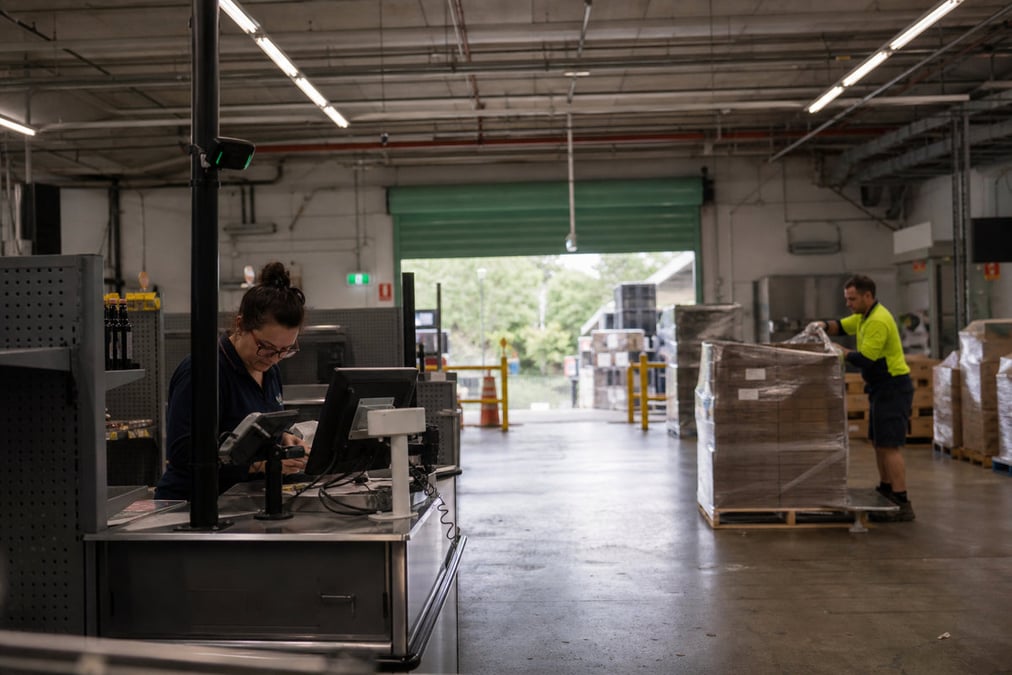
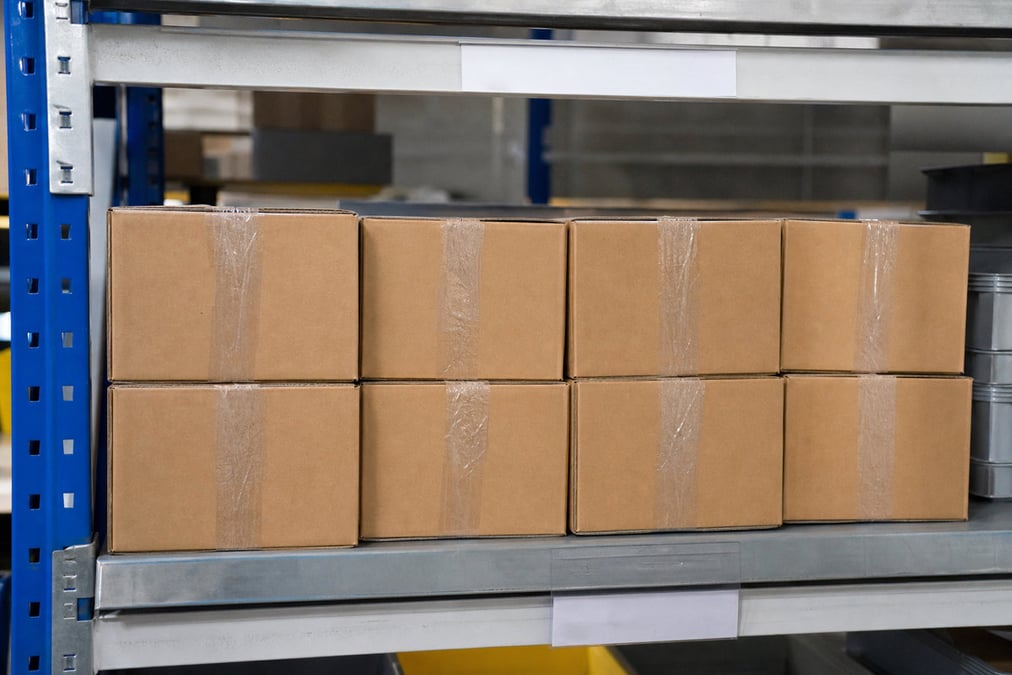
Retail Express shows transfer status and in-transit quantity so teams know what has left, what is still moving, and what is received but not yet made available. Use stock transfer and in-transit reports to monitor bottlenecks and missing lines.

Book a demo
Z04 Dispatch Scan
Connected operations

Link transfers to selling and restocking

Transfers are not isolated. Cross-store POS selling can auto-create an internal transfer when source and fulfil stores differ. Restock planning can also suggest inter-store moves via replenishment formulas. This keeps transfer decisions tied to real demand.

Book a demo

Stock Transfers Between Stores FAQ

Answers for retailers in Australia and New Zealand.

Stock transfers are internal movements of inventory from one outlet or warehouse to another. In Retail Express, transfers keep a status trail (requested/dispatched/received/made available) so each team knows where stock is in the process.

Yes. Retail Express POS includes Send Stock and Receive Stock for day-to-day transfer work. Staff can scan items, dispatch, and receive without opening full back-office transfer screens.

Simple uses three stages (Proposed, Dispatched, Made Available). Advanced uses seven stages (Proposed, Request, Allocate, Pick, Dispatch, Receive, Make Available) for warehouse control. A Simple transfer cannot later use Advanced-only stages.

Yes. Retail Express supports transfer creation through Excel upload templates in back office for bulk moves, alongside manual creation for one-off urgent transfers.

Yes. Partial receipt is supported. Remaining quantity stays outstanding on the transfer. Over-receipt handling is done through back-office workflows.

Use Retail Express transfer reporting (including stock-in-transit and transfer detail views) to see quantities dispatched, received, and still moving between locations.

Yes. When a sale sources stock from another store and fulfilment differs, Retail Express can auto-create an internal transfer order so stock moves to where the order is fulfilled. See cross-store POS selling.

No. Retail Express offline POS does not process transfers. Run transfers while online so status changes and stock movement stay accurate across outlets.

Not in the same way. Click and collect generally requires stock to be available at a single fulfilment store; inter-store transfer logic does not apply to standard click-and-collect fulfilment paths.

Transfer workflows are included in the Retail Express subscription. There is no separate transfer-only product fee. See pricing.

Book a demo

Balance stock across every location

Move stock faster with clear transfer stages and in-transit visibility