Hero Landscape

Retail Express

Stocktake Software for AU & NZ Retail

Guessing counts and fixing stock weeks later costs margin. Retail Express stocktake software lets AU and NZ product retailers count in browser, Excel, or on mobile, authorise changes, split the list across staff, and keep selling when a full close is not possible, with inventory and POS in the same platform.

Common pain points

A bad count is worse than no count

One person, one clipboard

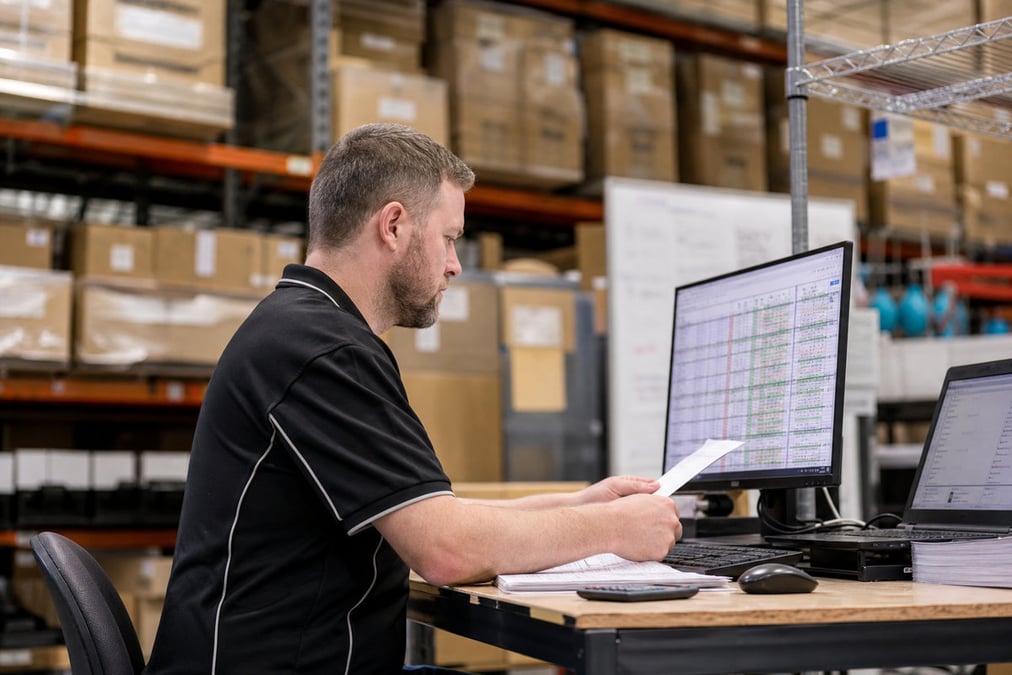
A single staffer typing codes all night is slow, easy to mistype, and hard to finish before the shop opens again.


Sales happen mid-count

If someone sells an item while you are counting, a simple “set to this number” wipe can wipe out that sale and leave stock wrong.

Adjustments go live with no check

Uploading a spreadsheet that updates stock immediately, with no manager review, can lock in mistakes across the whole range.

Retail Express

How to choose the best POS system

Z01 Four Methods
Browser · Excel · mobile

Four ways to count

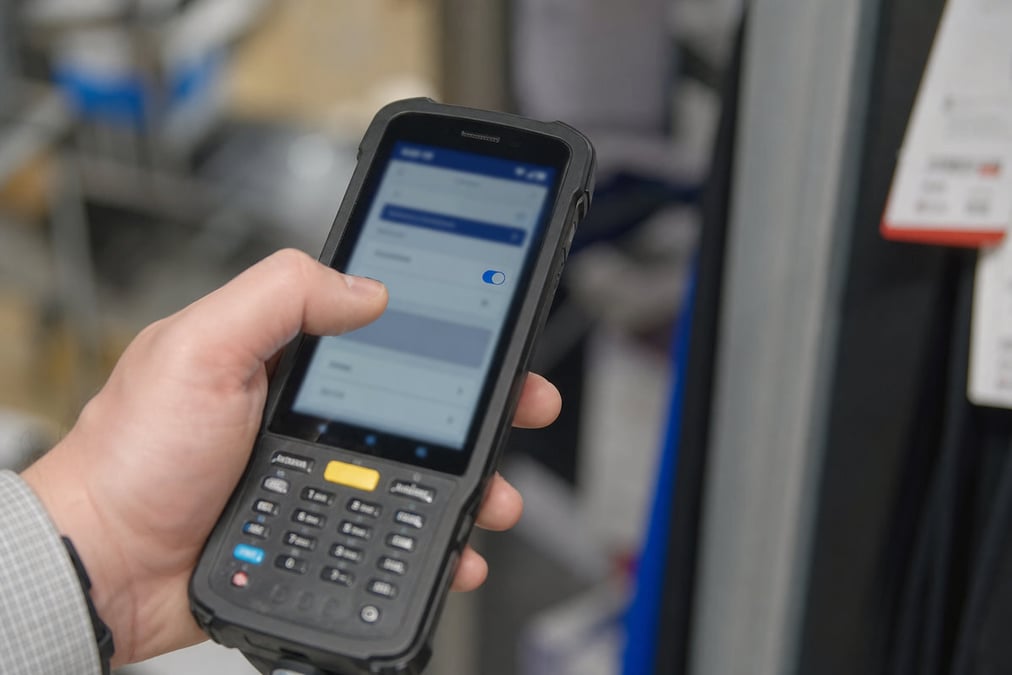
Browser stocktake scans straight into Retail Express (about 5,000 products per count; filter into more counts for bigger ranges, remembering quantity can count toward the limit). Excel Basic downloads products, you enter counts, then upload. Excel Advanced uses the Retail Express Excel Scan tool with a barcode scanner (Windows). Mobile/PDA scans on device, then you merge files for upload. Pick the method that matches your team and hardware.

Book a demo
Z02 Multi Staff
Split the list

Multi-staff counting

Several staff can count at once if you split the product list so the same SKU is not on two open browser stocktakes. For Excel and mobile, combine counts in Excel before you upload; separate uploads for the same products can overwrite each other.

Book a demo
Z03 Stock Status
On hand vs available

Count the right stock

Choose Adjust Stock On Hand to count Available plus Allocated (for example laybys and transfers), and let the system back out Allocated. Choose Adjust Available to count only sellable stock and leave allocated units out of the count. Pick the method when you start the stocktake so adjustments land correctly.

Book a demo
Z04 Authorise
Control the update

Authorise, variance, and keep trading

Browser stocktakes go to authorisation so a manager can review differences, send lines back, then approve. Absolute sets stock to the counted number; Variance only adjusts by the difference (zero difference means no change), which helps when you must keep trading. Excel uploads update stock when you upload, so review carefully first. EOFY and valuation reports live with retail reporting and EOFY essentials.

Book a demo

Integration

eCommerce Stock

Our omni-channel POS software integrates with Shopify eCommerce to ensure your bricks and clicks stores operate in perfect unison. Try a FREE DEMO.

Learn more →
Accounting System

Our POS software integrates with XERO to provide true financial visibility and makes it easy to manage accounting and bookkeeping. Learn more with a FREE DEMO.

Learn more →
Accounting System

Our POS software integrates with MYOB to provide true financial visibility and makes it easy to manage accounting and bookkeeping. Try a FREE DEMO.

Learn more →
POS Payments

Integrate Afterpay, the leading Buy Now, Pay Later service with Australia & NZ’s #1 POS software. Provide the payment options that shoppers demand. Try a FREE DEMO today!

Learn more →
Integration

Leading supplier of barcode scanners to perform stocktakes in Retail Express.

Learn more →
Integration

Leading supplier of barcode scanners to perform stocktakes in Retail Express.

Learn more →
Integration

Leading supplier of barcode scanners to perform stocktakes in Retail Express.

Learn more →
Integration

Leading supplier of barcode scanners to perform stocktakes in Retail Express.

Learn more →
EDI & Marketplaces

Retail Express - the #1 Retail POS System - integrates with The ICONIC allowing you to profitably manage your marketplaces, physical and online stores from one centralised platform.

Learn more →
Integration

Leading supplier of barcode scanners to perform stocktakes in Retail Express.

Learn more →
Stock & Logistics

Leading supplier of barcode scanners to perform stocktakes in Retail Express.

Learn more →
EDI & Marketplaces

Retail Express - the #1 Retail POS System - integrates with David Jones Online allowing you to profitably manage your marketplaces, physical and online stores from one centralised platform.

Learn more →
Integration

Leading supplier of barcode scanners to perform stocktakes in Retail Express.

Learn more →
Integration

Leading supplier of barcode scanners to perform stocktakes in Retail Express.

Learn more →
Integration

Leading supplier of barcode scanners to perform stocktakes in Retail Express.

Learn more →
eCommerce Stock

Our omni-channel POS software integrates with Magento eCommerce to ensure your bricks and clicks stores operate in perfect unison. Try a FREE DEMO.

Learn more →
Integration

Leading supplier of barcode scanners to perform stocktakes in Retail Express.

Learn more →
EDI & Marketplaces

Build an integrated eCommerce and in-store experience that your customers and members will love with Retail Express & Marketplacer.

Learn more →
Integration

Leading supplier of barcode scanners to perform stocktakes in Retail Express.

Learn more →
Integration

Leading supplier of barcode scanners to perform stocktakes in Retail Express.

Learn more →
Accounting System

Deliver unrivalled omni-channel customer experience and operational efficiency with the #1 multi-store Retail POS Software and NetSuite ERP Integration. Try our Free DEMO

Learn more →
POS Payments

Simplify your finances and retail management with the #1 Xero integrated POS.

Learn more →
Analytics

Get the retail reporting power and deep insights your need with the Retail Express POS and Phocas BI software integration. Try a FREE DEMO today!

Learn more →
Stock & Logistics

Maximise accuracy of your inventory tracking and purchasing with an integrated RFID and POS Solution from Retail Express and RAMP. Try a FREE DEMO today!

Learn more →
Analytics

Get instant visibility of the performance metrics critical to omni-channel retail success with Retail Express and The Retail Score. Try a FREE DEMO.

Learn more →
Stock & Logistics

Maximise accuracy of your inventory tracking and purchasing with an integrated RFID and POS Solution from Retail Express and RAMP. Try a FREE DEMO today!

Learn more →
Integration

Leading supplier of barcode scanners to perform stocktakes in Retail Express.

Learn more →
Integration

Leading supplier of barcode scanners to perform stocktakes in Retail Express.

Learn more →
EDI & Marketplaces

Retail Express - the #1 Retail POS System - integrates with The ICONIC allowing you to profitably manage your marketplaces, physical and online stores from one centralised platform.

Learn more →
Analytics

Get instant visibility of the performance metrics critical to omni-channel retail success with Retail Express and The Retail Score. Try a FREE DEMO.

Learn more →
Enterprise Resource Planning

Get a best-in-class B2C and B2B omni-channel tech stack that's purpose-made for Fashion and Footwear Retail. Deliver unrivalled omni-channel customer experiences and operational efficiency with the #1 multi-store Retail POS Software and Sync ERP Integration. Try our Free DEMO

Learn more →
Integration

Leading supplier of barcode scanners to perform stocktakes in Retail Express.

Learn more →
EDI & Marketplaces

Retail Express - the #1 Retail POS System - integrates with The ICONIC allowing you to profitably manage your marketplaces, physical and online stores from one centralised platform.

Learn more →
Ticketing

Retail Express - the #1 Retail POS System - integrates with the Leading In-Store Ticketing Automation Solution from Ticket-IT. Learn more with a FREE DEMO.

Learn more →
Integration

Leading supplier of barcode scanners to perform stocktakes in Retail Express.

Learn more →
POS Payments

Integrate Tyro EFTPOS with Australia & NZ’s #1 POS software. Provide the payment options that shoppers demand. Try a FREE DEMO today!

Learn more →
Integration

Leading supplier of barcode scanners to perform stocktakes in Retail Express.

Learn more →
eCommerce Stock

Our omni-channel POS software integrates with WooCommerce to ensure your retail stores and Wordpress ecommerce store operate in perfect unison. Try a FREE DEMO.

Learn more →

Stocktake Software for AU & NZ Retail FAQ

Answers for retailers in Australia and New Zealand.

Stocktake software (also searched as inventory count or stock take tools) helps retailers count what is physically in store or warehouse and update the system so stock matches the shelf. In Retail Express, stocktake is the count workflow inside your inventory: browser, Excel, or mobile methods, then an update to Available stock, with inventory and POS in the same platform.
A stocktake is a physical inventory count: staff count products, compare to the system, and correct differences. AU and NZ retailers often run full counts for EOFY or cycle counts for busy categories. Retail Express supports filtered counts, multi-staff lists, and reporting after authorisation or upload.

Same idea, different words. Inventory count, stock take, physical inventory, and cycle count all mean checking real stock against the system. Cycle counts are usually smaller, more frequent batches. In Retail Express you filter products to run full or partial stocktakes; this page is the count guide, and inventory management covers live stock statuses.

In Retail Express, create a stocktake, choose Browser, Excel Basic, Excel Advanced, or Mobile/PDA, count products (scan or type), then submit for authorisation (browser) or upload (Excel/mobile). Stock updates using Absolute or Variance. Choose Adjust Stock On Hand or Adjust Available when you start so Allocated stock is handled correctly.

Four methods: Browser (scan in Retail Express, then authorise), Excel Basic (manual counts in Excel), Excel Advanced (barcode scan into Excel with the Scan tool on Windows), and Mobile/PDA (device scans merged for upload). Browser counts have a practical size limit (about 5,000 products per stocktake; larger ranges need filters or Excel).

Yes. Split product lists with filters so the same SKU is not on more than one open browser stocktake. For Excel and mobile, combine counts in Excel before upload; if two people upload the same products separately, later uploads can replace earlier counts.

Yes, with care. Prefer the Variance update method and count in smaller filtered batches. Sales during a count can still complicate results, so after-hours or a close is safer when you can. Variance while trading is not fully automatic; check movement logs if something looks off.

For browser stocktakes, counts are submitted for review before stock changes. Authorisers see count differences, can send lines for recount, then apply Absolute or Variance. Excel uploads update stock when you upload, without that authorisation step, so review the file first.

In Retail Express, Adjust Stock On Hand counts Available plus Allocated (for example laybys and transfers); the system sets Available from your total minus Allocated. Adjust Available counts only sellable stock; leave allocated units out of that count. Choose when you create the stocktake.

Yes. After counts, use stocktake and stock adjustment reports, plus valuation and EOFY-oriented inventory reports, to evidence year-end stock. See EOFY retail essentials and retail reporting.

Stocktake is included in your Retail Express subscription with inventory and POS. There is no separate stocktake-only fee. Scanner hardware is separate. See pricing and POS hardware.

Book a demo

Run stocktakes that fit your store

Browser · Excel · mobile · authorise · book a demo