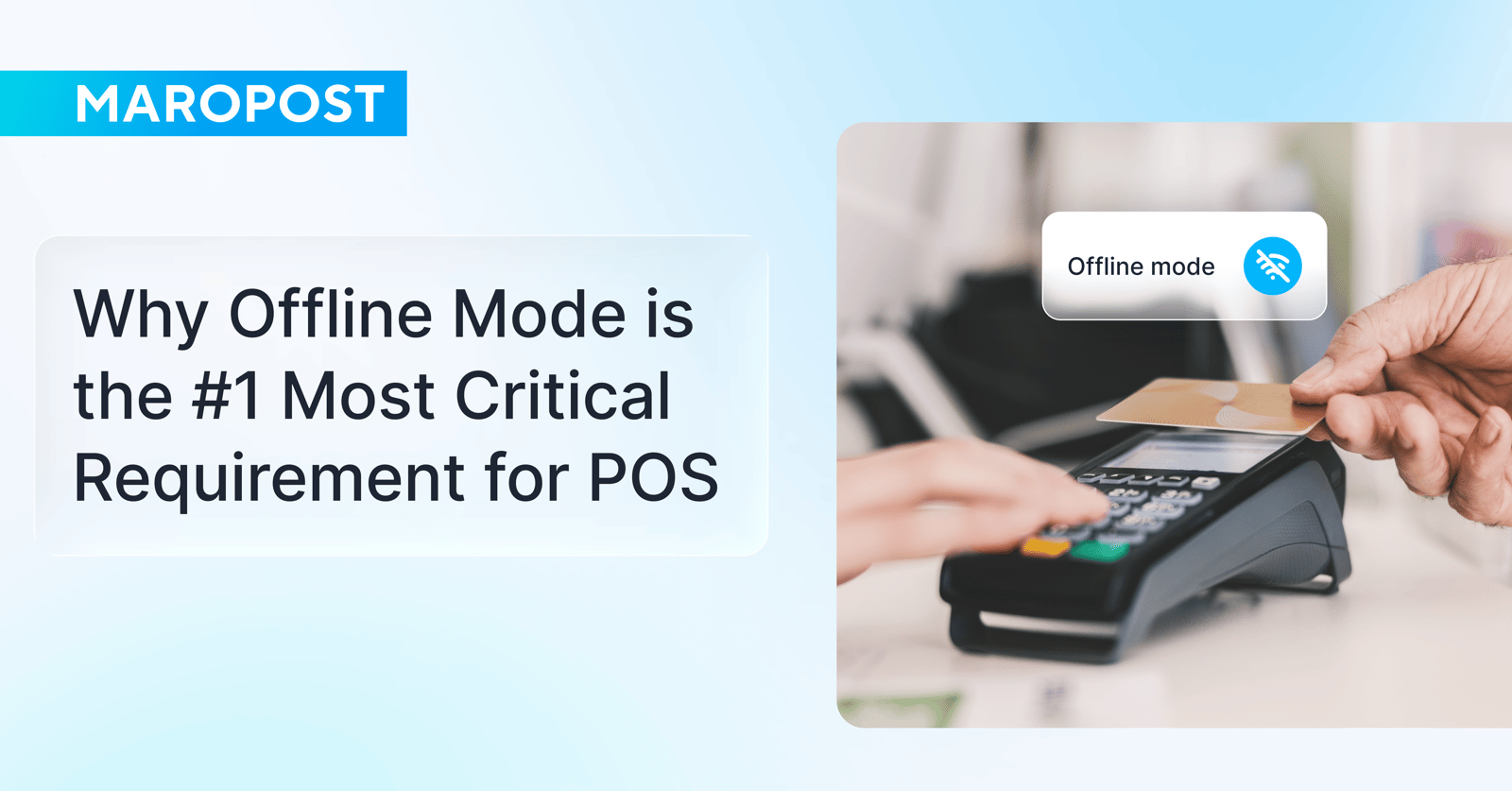
Running a successful retail business requires a reliable POS (Point of Sale) system that never lets you down and enables you to keep your operations running smoothly even during downtime. Because when network connectivity fails, it isn’t just inconvenient; it can also be expensive.
But internet outages don’t have to mean lost sales. With a POS system that supports an offline mode, you can run your business as usual even when internet connectivity issues occur. This article breaks down what an offline POS system is and why it’s a critical capability to look for when selecting POS software in Australia and New Zealand.
What is an offline POS system? Online vs offline POS explained
An offline POS system is a POS software system that continues processing basic operations without an internet connection, using locally stored data. Once connectivity is restored, it syncs all transactions back to the central system.
With a POS system that can operate in an offline mode, you can keep your business running, accept payments and process sales and refunds without missing a beat, even if you operate in areas with poor internet connectivity. That ensures uninterrupted retail operations, prevents lost sales opportunities, and helps maintain customer service excellence.
Connectivity issues may happen for a number of reasons outside your control, such as:
-
ISP (Internet Service Provider) outages or service disruptions
-
Power outages or electrical issues
-
Wi-Fi connectivity issues (weak signal or interference)
-
Server outages (cloud or POS provider downtime)
-
Cyberattacks (e.g., DDoS attacks)
-
Weather-related disruptions (storms, flooding, etc.)
Retail Express by Maropost is an example of a cloud-based POS system that supports an offline mode. If connection is lost or the offline mode is turned on intentionally, it continues operating by creating a temporary local database that the terminal can use. During this time, all transactions, customer information, and inventory data are stored directly on the device. Once connectivity is restored, all stored data is automatically synced with the cloud, ensuring no information is lost.
So when comparing online vs offline POS, the key difference is how they function without internet access. While online POS systems need a stable connection to work, offline POS systems can still process sales using locally stored data, syncing everything once the connection returns.
The real cost of downtime: why offline POS is critical for retailers in Australia
In the Australian market, where consumer expectations are high, and the geographical landscape can often make connectivity inconsistent, a Point of Sale (POS) system with true offline capability is not a luxury; it’s really a foundational requirement.
The direct cost of downtime for retailers
If your POS system can’t run in an offline mode during downtime (for whatever reason), you can’t process sales – and that’s a direct hit to your bottom line. According to a recent Splunk survey, unplanned and cyber incident downtime can cost businesses up to $86 billion in Australia and $75 billion in New Zealand. But there’s actually more to it than just an immediate loss in sales.
The indirect cost of downtime for retailers
Your inability to process retail transactions in store creates friction, leads to customer frustration, and damages your brand reputation. When shoppers head to a brick-and-mortar store, they’re typically after an experience, not just your product. And they tend to have lower tolerance for downtime in physical stores, especially after making the effort to visit, compared to dealing with an unresponsive website.
But the bigger risk is when frustration spreads beyond the store through word of mouth, social media, and negative reviews. The truth is that unhappy customers are far more likely to leave bad feedback than a positive review. And that can damage a retailer’s reputation, which is especially critical for small businesses that rely on their star ratings.
What works and what doesn’t when using offline POS?
When a cloud POS system loses the internet connection, it essentially goes into ‘survival’ mode. It relies on the local memory of the device and your local network (LAN) to keep the checkout line moving. But because it cannot communicate with the cloud, features are strictly divided into what can be done locally versus what requires live verification.
While every POS provider has slightly different rules, here’s what typically works and what doesn’t in the offline setting:
What works with offline POS (the essentials)
Most modern POS systems are designed to support these essential functions, even when they’re not connected to the server:
-
Processing sales transactions
-
Accepting payments (cash and sometimes card, depending on setup)
-
Scanning barcodes and searching for products
-
Applying discounts and promotions (basic ones)
-
Adding or selecting customers
-
Printing receipts (if local network works)
-
Storing transactions locally
-
Automatic data syncing once the connection is restored
What doesn’t work with offline POS (cloud-dependent features)
These are the "danger zones" where the offline POS usually hits a wall, often leading to manual workarounds:
-
Real-time inventory visibility and updates
-
Loyalty programs, gift cards, or vouchers (require validation)
-
Access to full customer history or past transactions
-
Returns linked to original sales
-
Multi-store syncing or visibility
-
Advanced reporting and analytics
-
Online integrations (ecommerce, accounting, etc.)
Choosing an offline POS system: questions to ask when evaluating POS software
One of the biggest issues Australian retailers face is that many POS providers treat offline capabilities as an afterthought. They claim to have an "offline mode," but in practice it often has significant limitations. If you’re comparing multiple retail POS platforms and their ability to operate in the offline mode during outages, asking these questions might help you make the right choice:
-
Can you still process sales and payments offline?
-
What POS features stop working offline?
-
Do all devices stay connected to each other via the local network while offline?
-
Is customer and sales data securely stored during offline activity?
-
Is customer data available and editable offline?
-
Can you run promotions and discounts offline?
-
Does the system sync automatically when connectivity is restored, or is there manual reconciliation?
With Retail Express POS, you can process payments, scan and search for products, handle sales transactions, add new customers, modify customer details, apply discounts to products, and do so much more. All your sales transactions and customer data are stored locally and synced back into the core system after reconnection, so you can keep trading without disruption.
Wrapping up: ensure uninterrupted operations with the Retail Express offline POS
When your POS system operates in an offline mode, it might not be something your customers notice, but it’s what keeps everything running smoothly behind the scenes – and what ensures their experience isn’t interrupted.
Retail Express POS lets you keep selling, taking payments, and serving customers seamlessly when downtime happens, protecting your revenue and customer loyalty. If your current POS can't do the same, it might be the right time for a change. Plus, it’s built specifically for Australian retailers to help them handle the complexities of local retail.
Book a demo now to see Retail Express in action and learn how it can keep your business up, even when the internet is down.