Hero Landscape

Retail Express

POS Barcode Scan for AU & NZ Retail

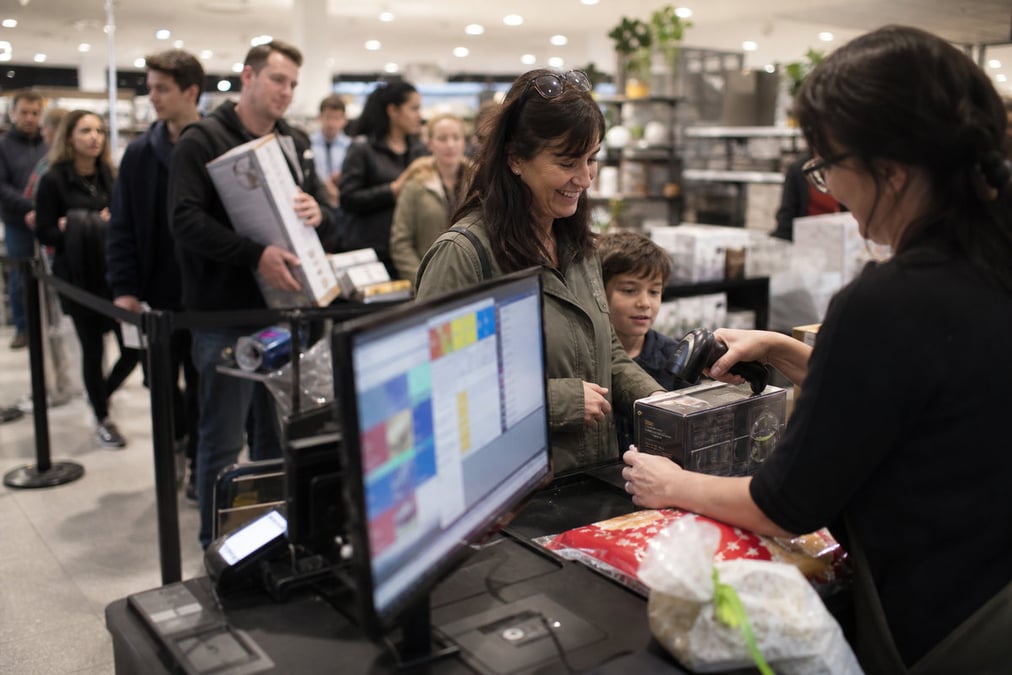
Typing product codes at the till slows the queue and leads to mistakes. Retail Express lets staff use POS barcode scan to find the right product fast, add it to a sale when they are ringing up, fall back to search or Quick Products when a label fails, and keep stock accurate when the sale completes.

Common pain points

Slow lookups mean longer queues

Staff type codes by hand

Hunting for a SKU on a keyboard is slow and easy to mistype, especially on busy weekends.

Wrong item hits the sale

A mistyped code rings up the wrong product and price, then you fix it on a refund or a stocktake.

Dead labels stop the line

When a barcode will not scan, staff need a fast search, not a call to the back office.

Retail Express

How to choose the best POS system

Z01 Scan Add
PLU scan

Scan to find the right product

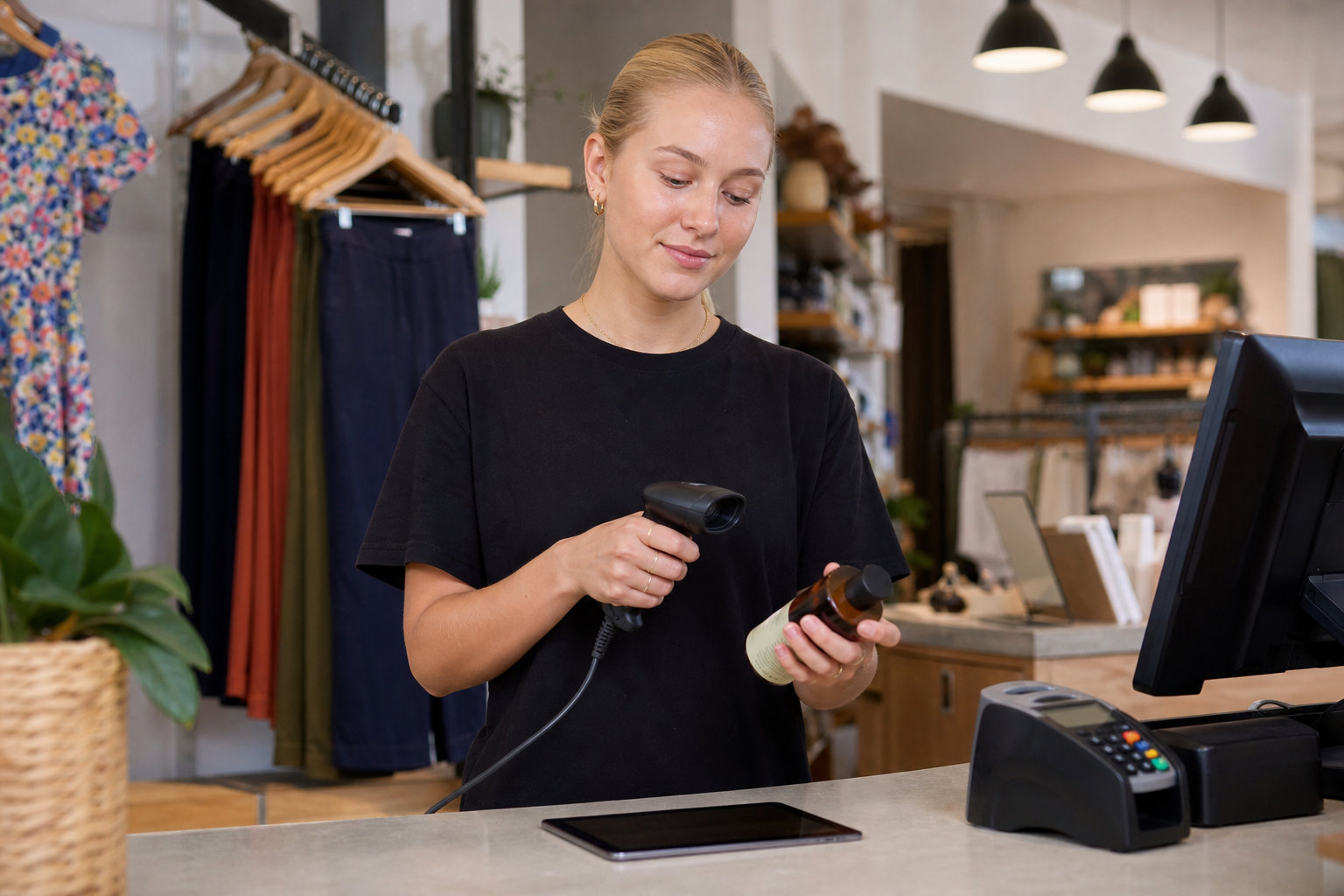
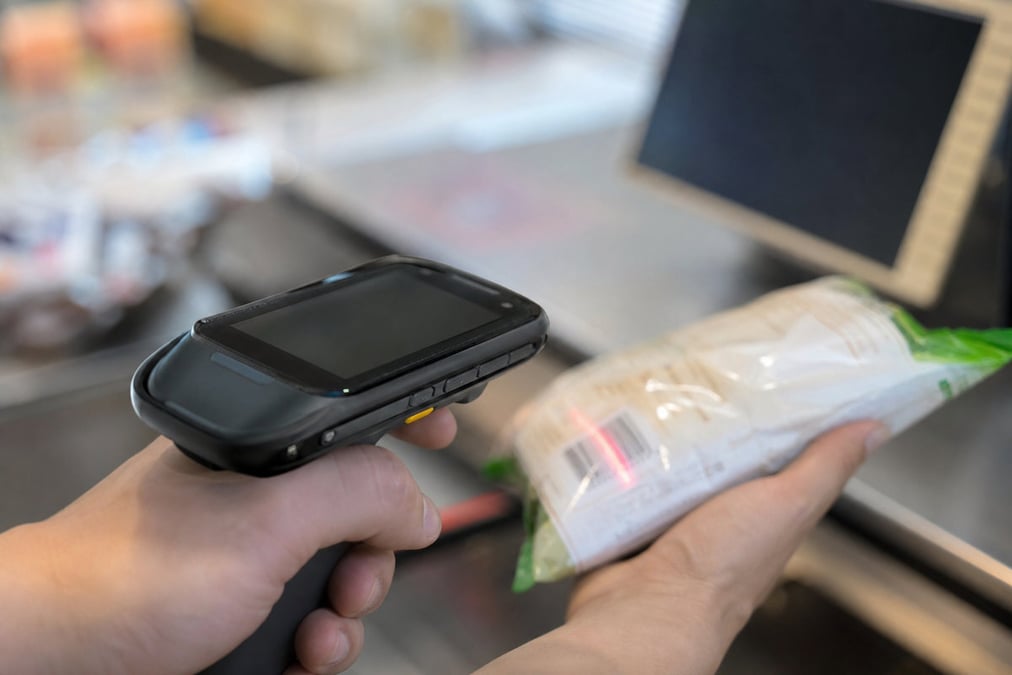
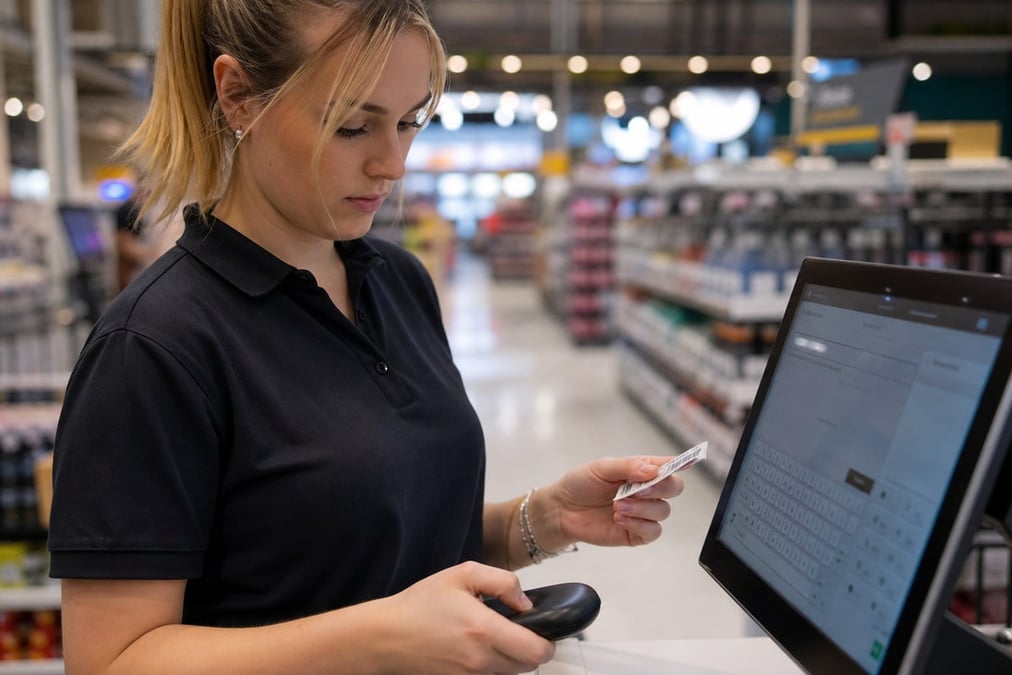
Open a sale and scan the barcode. Retail Express looks up the product so staff see the right name and price. When they are ringing up a sale, that scan adds the line; when they need to check an item, the lookup is still there without guessing a code. Scan the next item or change quantity, then take payment when ready.

Book a demo
Z02 Checkout Flow
Name & advanced search

Search when the label will not scan

Torn or faded labels happen. In Retail Express, type part of the product name for predictive search, or use Advanced Search with filters, set the quantity, and add items without stalling the queue.

Book a demo
Z03 Why Scan
One-tap favourites

Quick Products for bestsellers

Put high-volume items on Quick Products for each register so staff can add them without a scan. Useful for counters where the same SKUs sell all day. Profiles are set per register in POS Settings.

Book a demo
Z04 Fallback Search
Live inventory

Scan updates stock

Every completed sale updates on-hand stock in the same system, so the shelf and the back office stay aligned. Receiving and stocktakes can use the same barcodes too. See inventory management.

Book a demo

POS Barcode Scan for AU & NZ Retail FAQ

Answers for retailers in Australia and New Zealand.

Yes. In Retail Express, staff open a sale, scan the product barcode on the Products tab (PLU Scan), and the item is added to the sale with the right name and price. Scan the next item, adjust quantity if needed, then take payment. Stock updates when the sale completes.

POS barcode scan means staff use a barcode scanner at the till to look up a product by its barcode, instead of typing a code by hand. Scanning finds the right product (name, price, and stock context). On a sale in Retail Express that usually adds the item as a line (PLU Scan on the Products tab), but the scan itself is product identification. Staff also use the same barcodes for receiving and stocktakes, not only for ringing up.

In Retail Express, open a sale and scan the product barcode (or type the code and press Enter). The system finds the product and shows the right name and price. When you are selling, that scan adds the line; adjust quantity if needed, scan the next item, then take payment. Stock updates when the sale completes.

In Retail Express, staff can type the code, search by product name, or use Advanced Search to find and add the item. Quick Products also let staff add common items without a scan. The queue does not have to stop for a bad label.

Most standard USB or wireless barcode scanners work if they send the barcode digits plus Enter (carriage return). Retail Express does not sell scanners. For setup and compatible kit, see POS hardware. People searching pos barcode scanner or pos scanner usually need both the software (this page) and a compatible scanner (hardware page).

Yes. Retail Express supports multiple barcodes on one product (up to 20). Any of those barcodes can be scanned at POS to find the same item. Barcodes must be unique across products.

Yes. On eligible offline setups, staff can still scan and search products during an outage. Sales sync when you reconnect. Cash up is separate and waits until you are online. See offline POS.

No. In Retail Express it helps any product retailer with barcodes or SKUs: grocery, liquor, fashion, gift, homewares, and specialty shops. High-volume counters feel the speed gain most. See best POS for grocery or POS for small business.

Yes. The same product barcodes are used when receiving stock and in other inventory workflows, so receiving and checkout stay on one product list. See inventory management and purchase orders & receiving.

Standard barcode scanners used with Retail Express are for product barcodes, not QR codes. QR scanner app searches are a different intent. Use a compatible 1D/2D barcode scanner set up for product codes, not a phone QR app as your main till scanner.

Barcode scan at the till is included in Retail Express software. Scanner hardware is separate. Software is a monthly fee per store. See pricing and POS hardware.

Book a demo

See barcode scan at your point of sale

Scan · search · Quick Products · live stock · book a demo