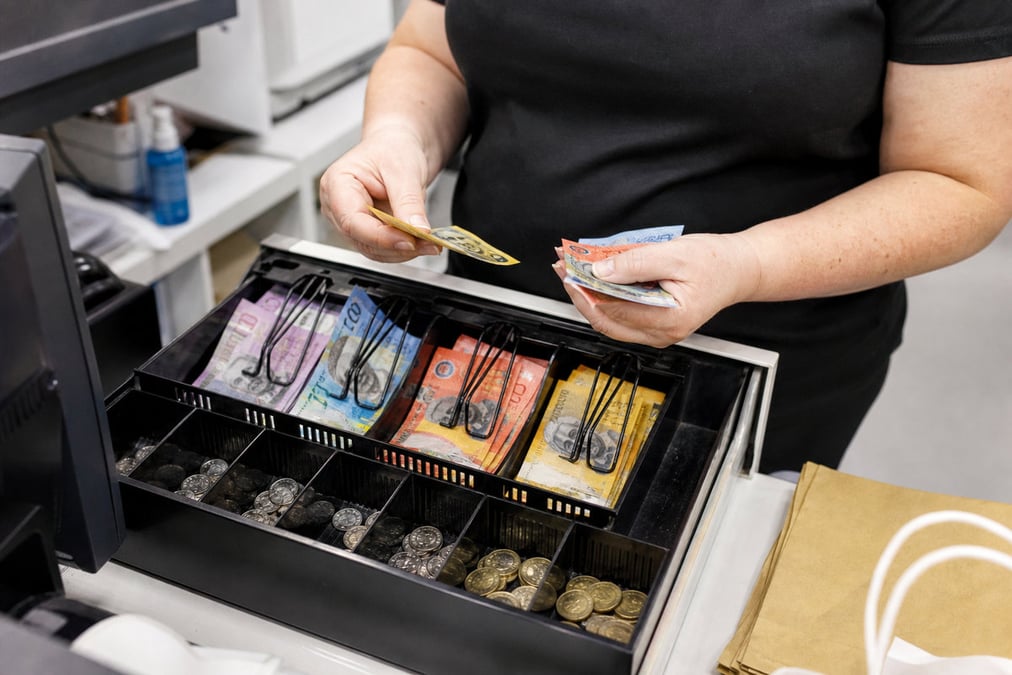
Drawer never matches the system
Staff count cash on a notepad while EFTPOS lives in another report, so shortfalls show up too late to fix.
Retail Express
End of day should not mean guessing why the drawer is short. Retail Express runs POS cash up per register: count cash, check the cash summary, reconcile EFTPOS and other payment types, then submit or hold until the till is right.
Common pain points
Staff count cash on a notepad while EFTPOS lives in another report, so shortfalls show up too late to fix.
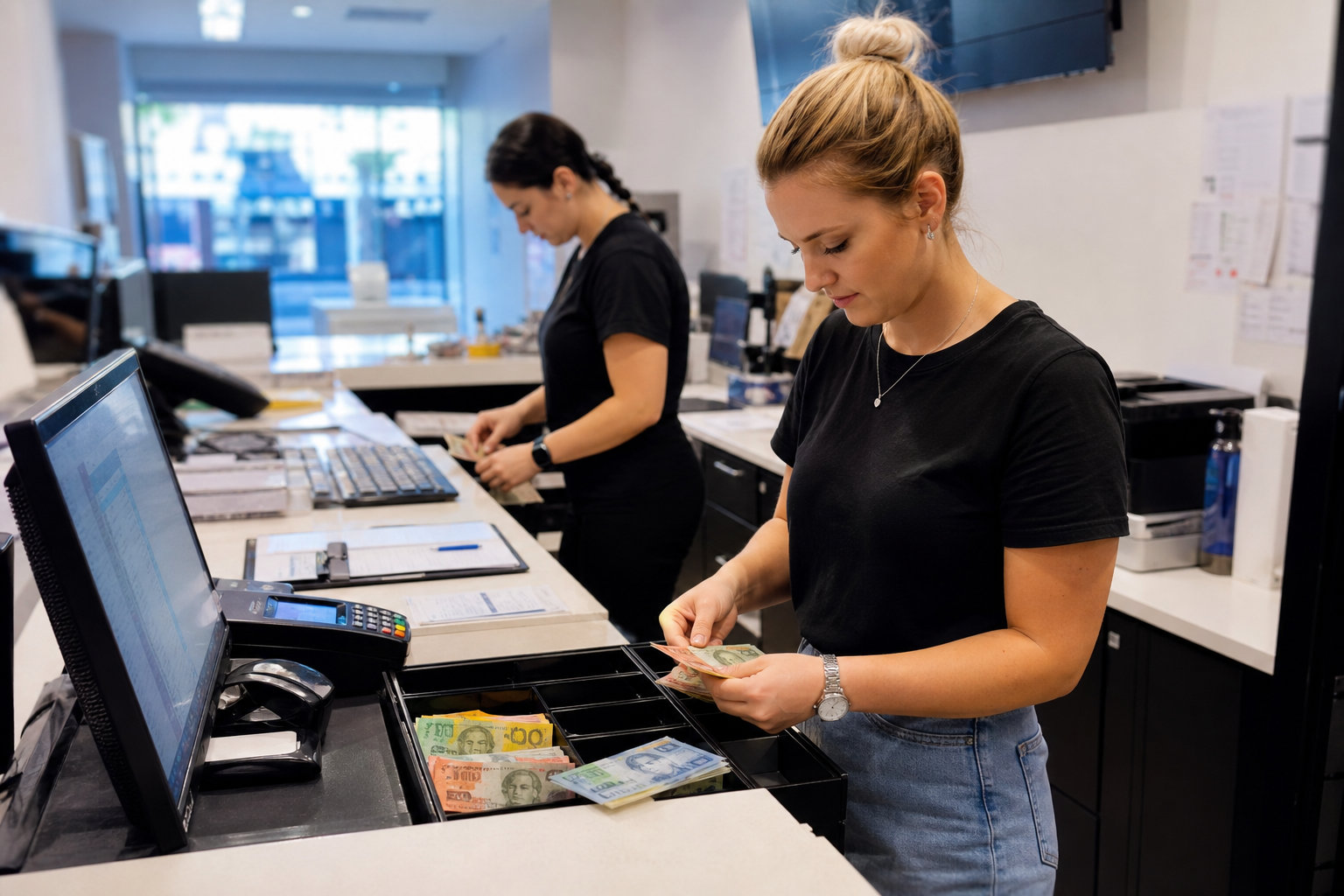
When several lanes dump into one pile, you cannot tell which register caused the variance.
Without a hold step, a wrong sale or missed payment gets buried overnight and the next shift starts already out.
Retail Express
Enter how many of each coin and note you have. Retail Express totals the drawer for you. Include the opening float in the physical count; the cash summary deducts float so expected cash stays accurate.
Book a demo →

See cash payments since the last cash up, Money In and Money Out, cash expected, actual counted, opening float, and cash variance. Drill into sales or edit a sale if something looks wrong before you submit.
Book a demo →

Enter the reconciled amount for each payment method from your Tyro, bank, or gateway settlement report. Variance shows per method, not only for cash, so card and other payments get checked the same way.
Book a demo →
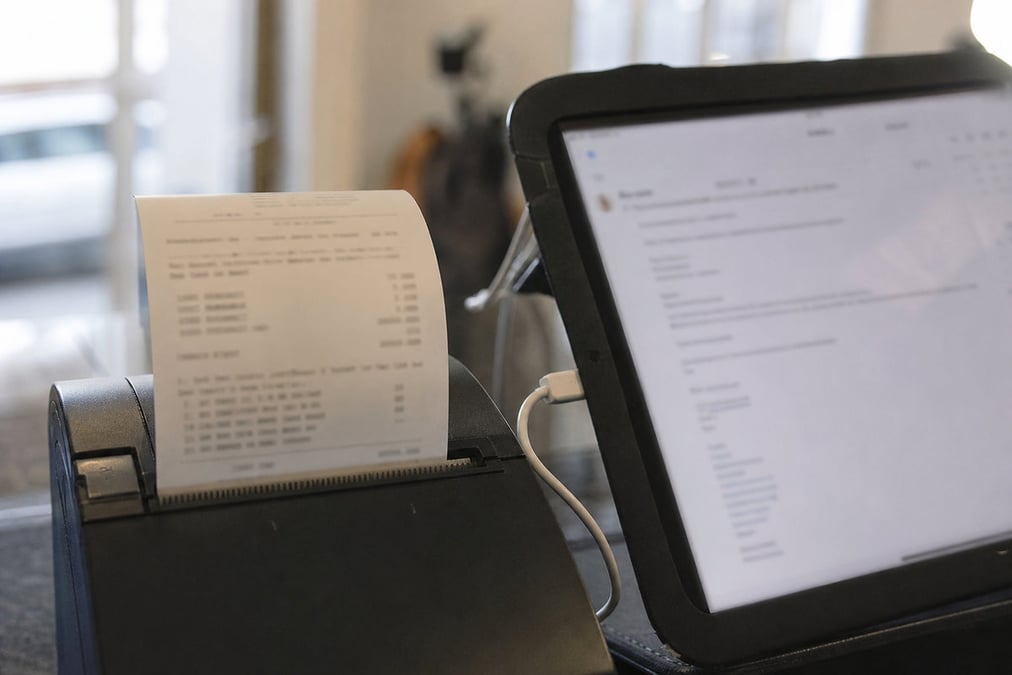
Hold if you need to fix a sale mid cash up, then resume and refresh. Submit locks the cash up so it cannot be edited. Print or email the summary, and review past cash ups in End of Day reporting.
Book a demo →Shopify
Ecommerce
Become truly omni-channel with the #1 integrated Shopify POS solution.
Xero
Accounting
Streamline your processes, introduce smart retail practices and make more informed ...
MYOB
Accounting
Streamline processes, introduce smart retail practices & make informed decisions with ...
Afterpay
Payments
Provide the experience and payment options today’s shoppers demand with our Afterpay - ...
zipPay
Payments
Offer Buy Now Pay Later solutions to your customers with direct integration to Retail ...
BigCommerce
Ecommerce
A design platform which lets you create stores that engage shoppers and make more sales.
Bike Exchange
Marketplace
The leading marketplace for bikes and accessories.
Blix
Analytics
Gives you walk-in and customer engagement numbers meaning you can assess performance ...
Answers for retailers in Australia and New Zealand.
POS cash up (also called end-of-day or till reconciliation) is when staff count the cash in a register, check it against what the POS expected, match card and other payments to settlement totals, note any short or over (variance), then lock that period. In Retail Express, cash up runs per register so each till has a clear close, not one mixed drawer for the whole store.
End of day in retail POS is the close-of-trading check: confirm cash and payments for that till match the system, then lock totals for reporting. In Retail Express, end of day is done through POS cash up on each register, with completed cash ups reviewed in End of Day reporting. You can also cash up mid-shift if you want less cash on the floor.
POS reconciliation means matching what the till took (cash, EFTPOS, and other methods) to what the system and settlement reports say. In Retail Express, that happens inside cash up: cash summary for the drawer, then an amount reconciled per payment method against Tyro, bank, or gateway reports, with variance shown per method.
In Retail Express, POS cash up runs per register. Staff open Cash Up, count cash by denomination, review the Cash Summary (expected vs counted, float, variance), enter reconciled amounts for other payment methods, then submit. You can print or email the summary. Review completed cash ups in End of Day reporting.
Yes. In Retail Express, use Hold if you need to edit a sale or finish later. When you resume, open Cash Up again and use Refresh so new paid transactions load into this cash up. Without Refresh, later sales can slip into the next cash up.
In Retail Express, each till needs its own float, drawer, and payment totals. One register per till means end-of-day variance points to the right lane. See POS registers.
In Retail Express, review the transaction list on the cash-up screen, check sales still on hold, compare timing with the Income Report, and fix sales before you submit. Leave cash up on Hold while you investigate. After Submit, the cash up cannot be edited.
Same job, different name. Retailers who search POS Z report or end of day report want a final till close with totals. In Retail Express that is POS cash up plus End of Day reporting: count cash, reconcile payment methods, lock the period, and print or email the summary. There is no separate button labelled “Z report”.
Yes. In Retail Express cash up, staff enter the amount reconciled for each payment method against settlement reports (for example Tyro or your bank). Variance shows per method. That is the POS reconciliation step for non-cash payments, not only the cash drawer. See POS payments and EFTPOS hardware.
Yes. In Retail Express, cash up covers payments since the last completed cash up, so you can close mid-shift to limit cash on the floor, then cash up again at end of day.
No. Cash up is unavailable in Retail Express offline POS. Keep selling offline if your setup allows, then run cash up after you reconnect and sales sync. See offline POS.
No. Cash up in Retail Express is software on the register. A physical cash drawer is hardware that usually kicks open from the receipt printer. If you searched POS cash drawer, see POS hardware. Cash up still works as long as staff can count the till and enter amounts.
Cash up is included in Retail Express software. There is no separate cash-up fee. Software is a monthly fee per store; hardware and card fees are separate. See pricing.
POS cash up per register · count · reconcile · submit · book a demo