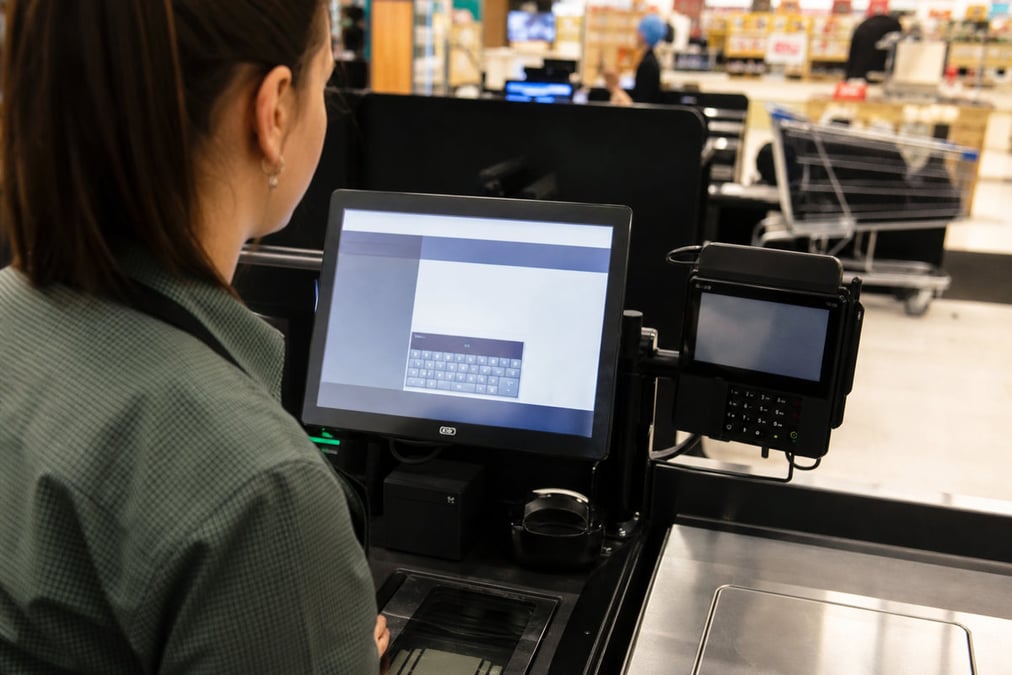
You cannot tell which lane was wrong
When multiple checkouts share one register, sales and cash land in one bucket and variances are hard to find.
Retail Express
When two drawers share one till in the system, cash-ups blur and you cannot tell which lane took which sale. Retail Express gives each checkout its own POS register: opening float, sales, printer and EFTPOS, and cash up you can trust.
Common pain points
When multiple checkouts share one register, sales and cash land in one bucket and variances are hard to find.
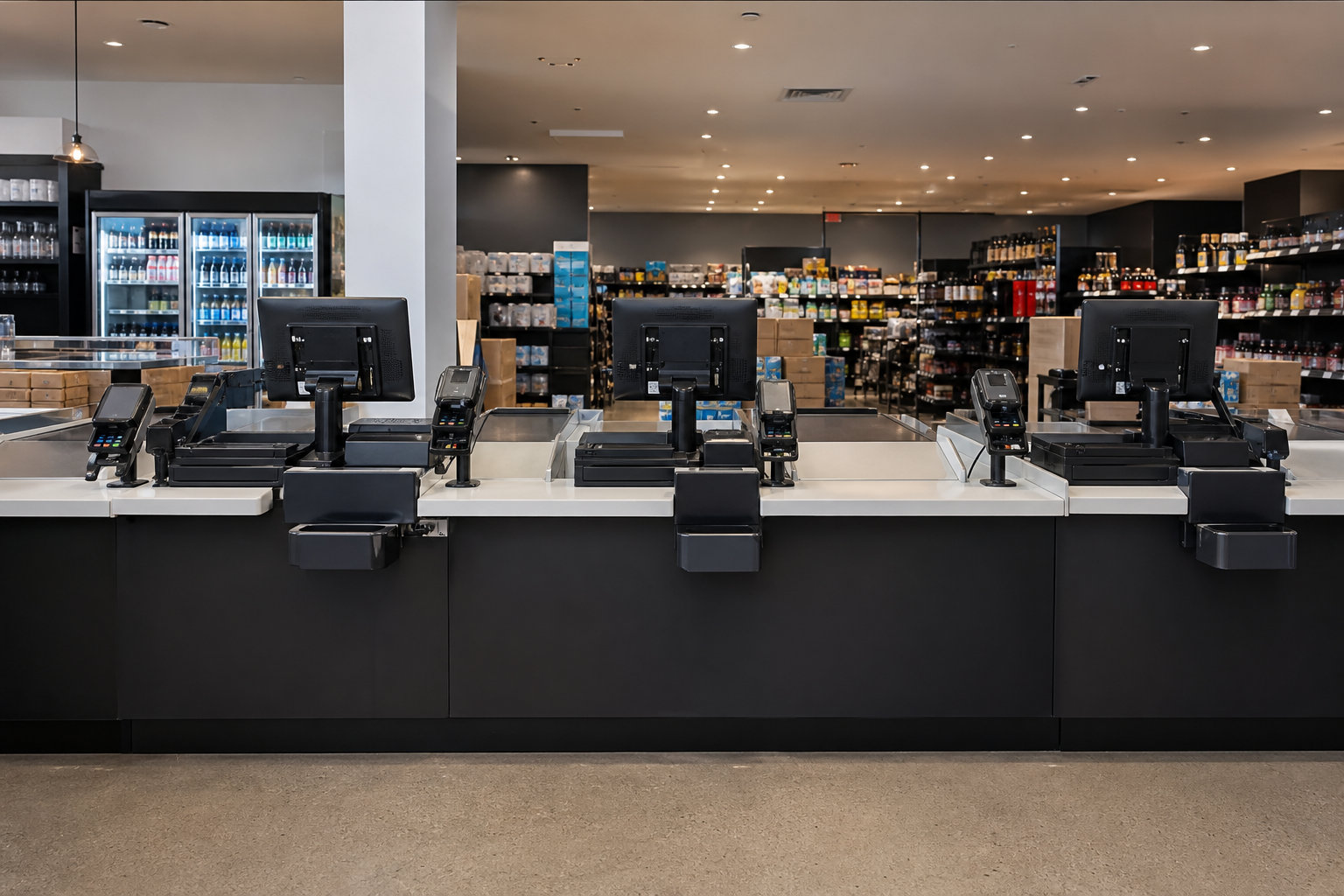
Lane 2 receipts on Lane 1's printer slow the queue and confuse staff during peak trade.
Without a clear register per till, opening floats, Money In/Out, and cash-up reconciliation lose their meaning.
Retail Express
Separate registers make it clear which checkout processed each sale. That matters when you run multiple lanes, fix mismatches, or review Income and End of Day reports by register.
Book a demo →
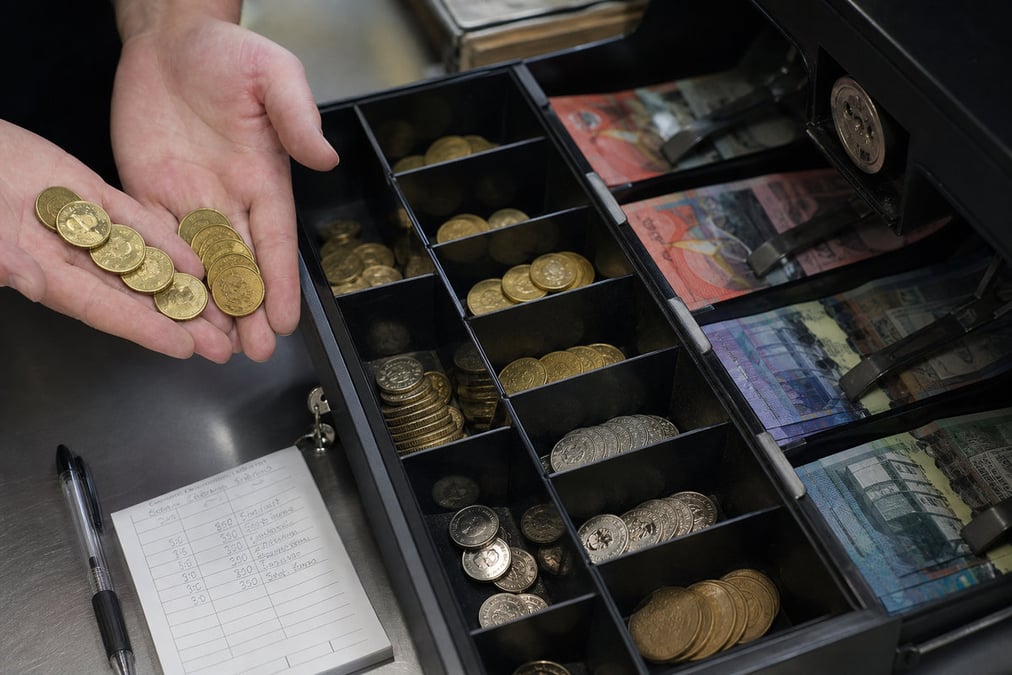
Registers support opening floats, Money In/Out, and cash-up reconciliation so you know expected vs counted cash per till. Investigate variances with transaction lists before you submit. Depth: POS cash up.
Book a demo →
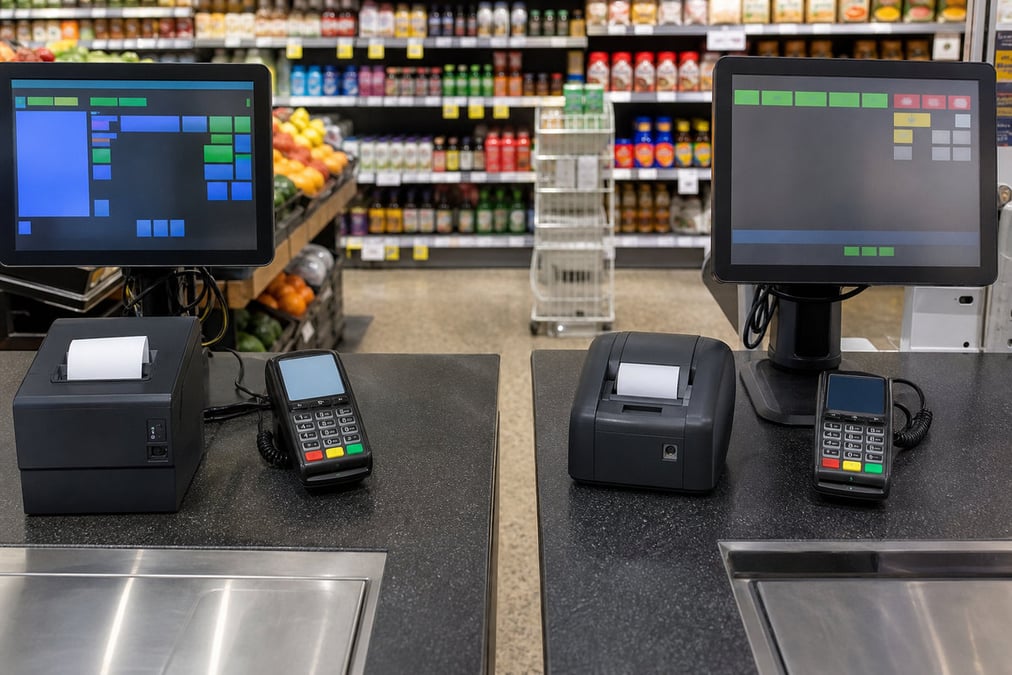
Assign receipt printers, integrated EFTPOS, and Quick Products profiles per register in POS Settings and the Hardware Utility, so Lane 2 does not print on Lane 1's printer by mistake. Extra devices can share a host printer and EFTPOS with the hardware certificate. See POS hardware and EFTPOS hardware.
Book a demo →
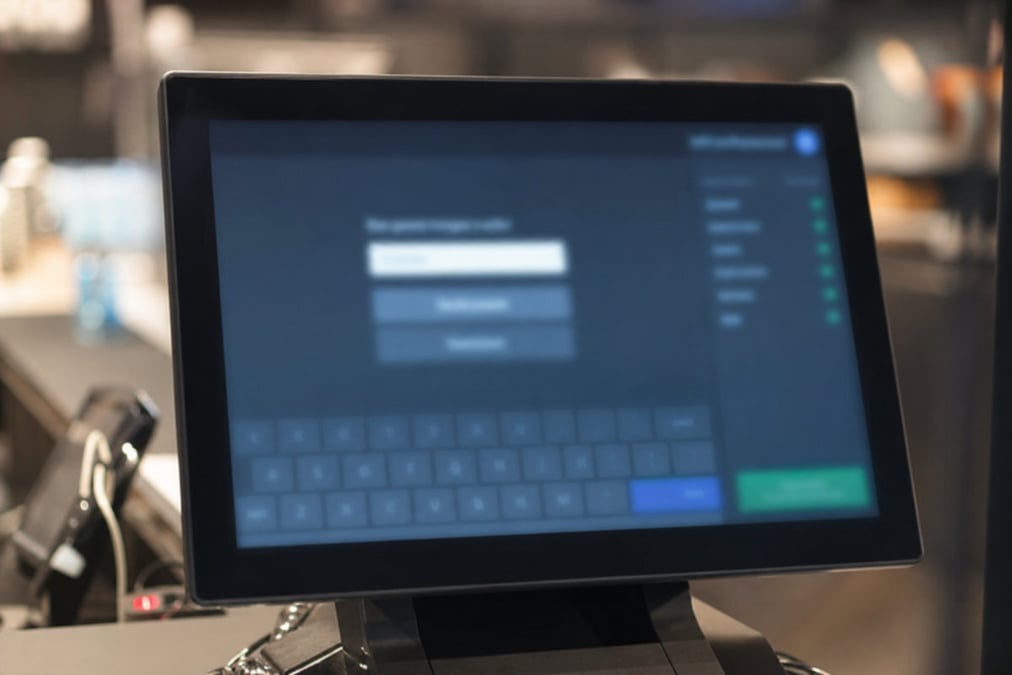
Disable Back Office or unused registers from the POS login screen (POS Enabled checkbox) so staff only see active tills, cleaner login during trading hours. Registers with sales history stay in the system for reporting; you hide them from login instead of deleting them.
Book a demo →Shopify
Ecommerce
Become truly omni-channel with the #1 integrated Shopify POS solution.
Xero
Accounting
Streamline your processes, introduce smart retail practices and make more informed ...
MYOB
Accounting
Streamline processes, introduce smart retail practices & make informed decisions with ...
Afterpay
Payments
Provide the experience and payment options today’s shoppers demand with our Afterpay - ...
zipPay
Payments
Offer Buy Now Pay Later solutions to your customers with direct integration to Retail ...
BigCommerce
Ecommerce
A design platform which lets you create stores that engage shoppers and make more sales.
Bike Exchange
Marketplace
The leading marketplace for bikes and accessories.
Blix
Analytics
Gives you walk-in and customer engagement numbers meaning you can assess performance ...
Answers for retailers in Australia and New Zealand.
Retail Express is cloud retail POS with POS register management built in. A register is the software till lane staff pick with the store (outlet) when they log in. Opening float, sales, payments, hardware mapping, and cash up all sit on that lane, so you can see which checkout did the work. You still supply the PC or iPad, drawer, printer, and EFTPOS; this page is about organising lanes in software, not selling cash-register hardware.
Yes. One register per physical till is best for cash control, hardware mapping, and clear reporting. Sharing one register across two drawers is what creates blurry cash-ups and hard-to-find variances.
Every store gets a default Back Office Register for non-till activity such as web orders and adjustments. It is not meant as a customer-facing checkout lane. You can hide it from POS login if staff do not need it on the shop floor.
Yes. Each store includes a Back Office Register plus one additional register to start. Create another register for each extra till as you grow, assign hardware (or share a host printer and EFTPOS), and staff log into that register during peak hours. Unused lanes can be hidden from login (POS Enabled) so they stay in history without showing at login. See POS hardware.
Not quite. People searching pos register or cash register pos often mean the physical drawer and terminal. Retail Express is the POS software that runs on your devices; the register is how we organise each lane inside that software. For scanners, printers, and EFTPOS, see POS hardware and EFTPOS hardware.
Cash up runs per register. Staff count that drawer, check the cash summary and other tenders, then submit (or hold and finish later). Separate registers keep each lane's float and variance clear. See POS cash up.
Retail Express is a monthly subscription per store. You can add registers for extra lanes as you grow; hardware and EFTPOS are separate. See pricing for what your plan includes.
One POS register per till · clear cash up · AU & NZ support · book a demo