Overselling online
Selling the last item in-store while an online customer is checking out leads to cancelled orders and disappointed customers.
Retail Express
Retail Express syncs your in-store and online stock with Shopify in real-time. Automatically update your online store from POS sales, purchase orders and stocktakes to prevent overselling across all your locations.
Common pain points
Selling the last item in-store while an online customer is checking out leads to cancelled orders and disappointed customers.

Spending hours every week manually updating Shopify quantities from POS reports is a waste of time and prone to human error.
Without a real-time sync, your online store doesn't reflect your true stock levels, leading to missed sales or stockouts.
Retail Express
Once connected, all inventory updates happen in Retail Express and synchronise to Shopify automatically. Stock level changes from POS sales, refunds, mass uploads, stocktakes, purchase orders and adjustments trigger an immediate update for that product. This ensures your online store is always aligned with your physical inventory.
Book a demo →

Choose exactly which stores feed your Shopify available stock. You can combine quantities from multiple locations to calculate the total stock visible online. Adding or removing stores is simple, and Retail Express prompts an immediate resync so your web stock always reflects your current store list.
Book a demo →

Our event-driven sync means stock changes are pushed to Shopify the moment they happen. When an in-store sale occurs, the update enters the queue immediately. When an online sale is received, Retail Express reduces the available stock and syncs the new level back to Shopify, keeping both systems in perfect harmony.
Book a demo →

Reserve stock for in-store customers with intelligent inventory buffers. You can set a global buffer or custom buffers by product type to hold back a specific number of items from your online store. This prevents you from selling your last few items online when they are needed for walk-in customers.
Book a demo →
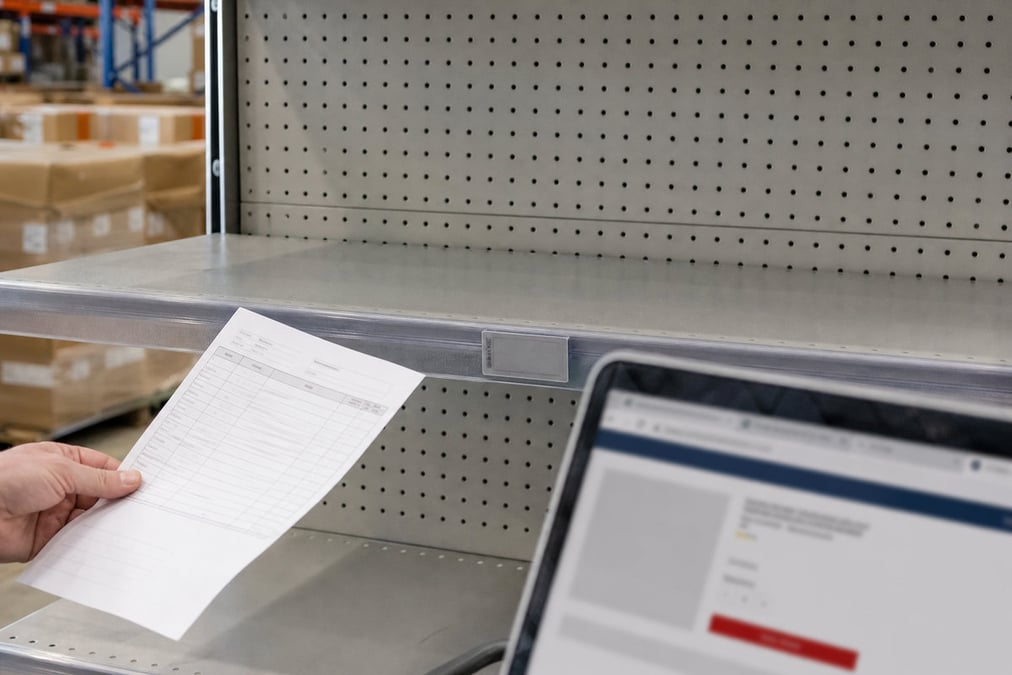
Use the "Prevent Disabling" feature to continue selling products online even when your physical stock reaches zero. This is ideal for pre-orders or items you can replenish quickly from suppliers. It maps directly to Shopify's "Allow purchase when out of stock" setting, giving you full control over your sales strategy.
Book a demo →

Fulfil web orders from a central outlet or via specific fulfilment groups based on customer location. If stock needs to be sourced from another store, Retail Express can create automatic stock transfers to the fulfilment store before dispatch, ensuring your inventory is always where it needs to be.
Book a demo →Shopify
Ecommerce
Become truly omni-channel with the #1 integrated Shopify POS solution.
Xero
Accounting
Streamline your processes, introduce smart retail practices and make more informed ...
MYOB
Accounting
Streamline processes, introduce smart retail practices & make informed decisions with ...
Afterpay
Payments
Provide the experience and payment options today’s shoppers demand with our Afterpay - ...
zipPay
Payments
Offer Buy Now Pay Later solutions to your customers with direct integration to Retail ...
BigCommerce
Ecommerce
A design platform which lets you create stores that engage shoppers and make more sales.
Bike Exchange
Marketplace
The leading marketplace for bikes and accessories.
Blix
Analytics
Gives you walk-in and customer engagement numbers meaning you can assess performance ...
Answers for retailers in Australia and New Zealand.
Manual updates are slow and lead to overselling. A dedicated Shopify inventory sync like the one built into Retail Express ensures that every time you make a sale at the POS, receive a purchase order, or complete a stocktake, your Shopify stock levels update automatically in real-time.
No. Retail Express becomes your single point of truth for inventory. Any manual edits made directly in Shopify will be overwritten by Retail Express during the next synchronisation to ensure data integrity across your entire retail business.
You can choose which stores contribute to your online stock in your Shopify integration settings. The available quantities from these selected locations are combined to show your total online sellable stock.
Buffers allow you to reserve a specific amount of stock for in-store sales. For example, if you have a buffer of 2, Shopify will show an item as out of stock when you only have 2 left in Retail Express, protecting your floor stock.
Yes, if you enable the "Prevent Disabling" feature in Retail Express. This is useful for pre-orders or items that are frequently replenished, allowing you to keep selling on Shopify even when physical stock in Retail Express is zero.
The moment the sale is completed at the POS, Retail Express reduces the available quantity and queues a synchronisation task to update the stock level on Shopify, preventing online overselling.
While sync is real-time, very large bulk updates or high-volume sales periods can create a short queue. Shopify's API limits also play a role, but the system is designed to prioritize orders and fulfilments for the fastest possible processing.
Click and collect uses store-level stock visibility. While it relies on the same core inventory data, it requires all stock for an order to be available at the selected pickup store.
Automate your Shopify inventory sync and stop worrying about overselling.