Hero Landscape

Retail Express

Cloud Purchase Order System for Live Retail Inventory

Retail Express includes a built-in cloud purchase order system for product retailers who want supplier POs in the browser, not on a single back-office PC or in disconnected spreadsheets, with live inventory, POS, and receiving in the same platform.

Common pain points

Spreadsheet POs do not scale across stores

PO files on one computer

Desktop spreadsheets and email threads do not update when another store receives stock or when POS sells the last unit on the shelf.


No shared On-Order view

If buyers cannot see On-Order stock in the same system as inventory, stores promise product that suppliers have not shipped yet.

Receiving never matches the file

A cloud PO only helps if receiving updates the same database. Separate PO files and stock files drift apart after the first partial delivery.

Retail Express

How to choose the best POS system

Z01 Browser Pos
No local PO server

POs in the browser

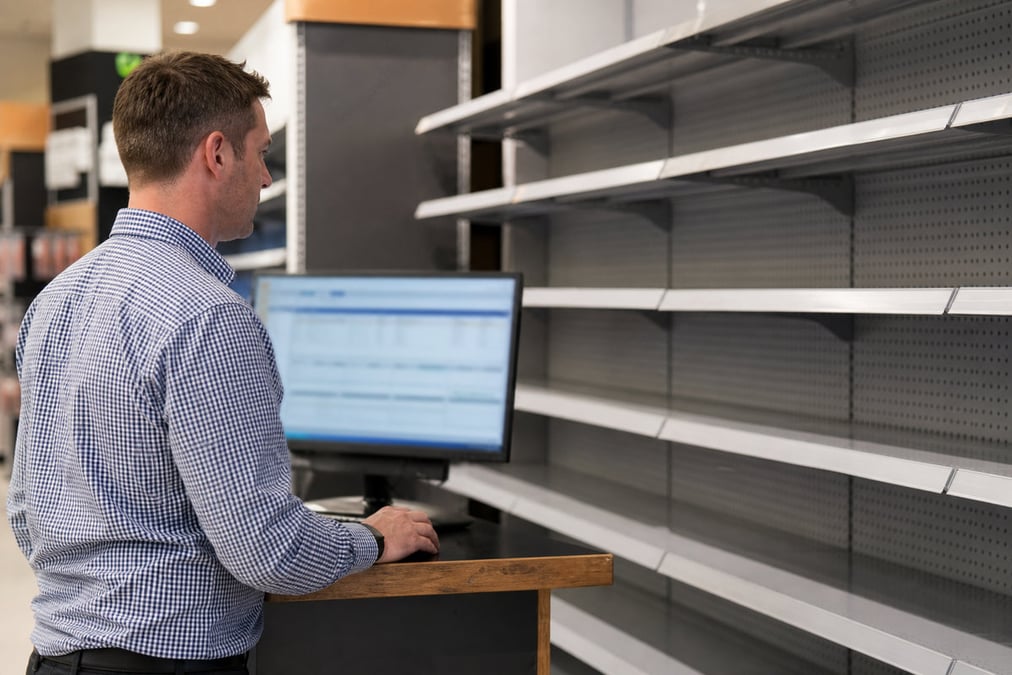
Create and manage supplier POs from PO Management in Inventory in the back office, anywhere you have login. No separate PO server to install or back up on one PC.

Book a demo
Z02 Live Stock
On-Order in inventory

Live stock while you order

When a PO is placed on-order, stock status updates in the same system POS and ecommerce use. That is purchase order inventory management in one platform, not a PO spreadsheet beside a stock spreadsheet.

Book a demo
Z03 Receive Same System
Stock Receipt 2.0

Receive in the same cloud system

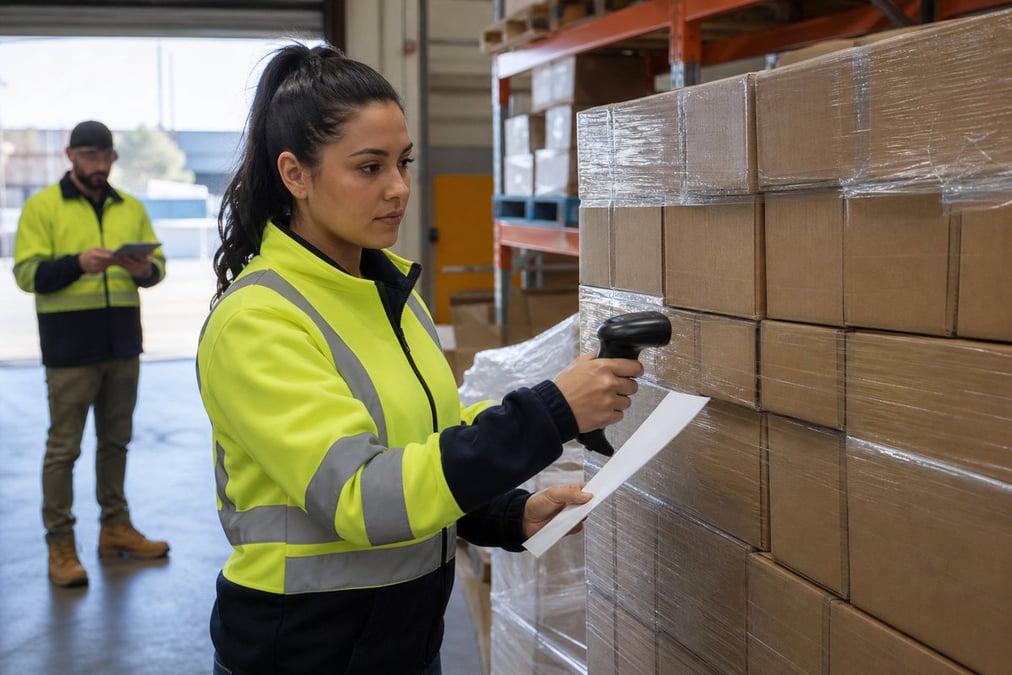
Receiving, partial deliveries, and supplier invoicing happen in Retail Express, not in a second tool. Detail on scanning, Make Available, and landed costs: purchase orders & stock receiving.

Book a demo
Z04 Cloud Vs Excel
One source of truth

Cloud PO vs Excel or email

Excel and email POs duplicate, go missing, and never tie cleanly to received stock. Cloud PO in Retail Express keeps ordered, received, and sellable numbers in one retail database, with bills posted to Xero or MYOB when receipts are finalised.

Book a demo

Cloud Purchase Order System for Live Retail Inventory FAQ

Answers for retailers in Australia and New Zealand.

Yes. Because Retail Express is a cloud-based system, buyers and managers can log into the back office via any web browser to review incomplete POs, consolidate orders, and place them on-order with suppliers without needing to be at a specific store PC.

No. Store teams simply log into the Retail Express browser interface to access the stock receipt workflow. They can scan barcodes to receive deliveries immediately, ensuring floor stock is updated in real-time across the network.

Retail Express can auto-generate incomplete POs from replenishment rules (like "Auto Replenish when Out of Stock"); buyers review these in the cloud before sending. See auto replenishment.

You create and receive POs in Retail Express. Xero receives supplier bills when stock receipts are finalised; you do not raise supplier POs inside Xero. See Xero integration.

Yes. The cloud database allows head office buyers to create POs while store managers are simultaneously receiving stock against different POs, with all On-Order and Available stock levels updating instantly for everyone.

When a supplier short-ships, staff receive only what arrived. Retail Express keeps the remaining quantity On-Order in the cloud, allowing you to create multiple stock receipts and supplier invoices against a single original PO.

Book a demo

Move supplier POs off spreadsheets

Cloud PO inside Retail Express · AU & NZ product retail