Black Friday Special

30% off for one year + free onboarding on annual plans. Ends Nov 30.

Claim your offer →
Close-up of a barista processing a payment using a card reader in a café setting.

Retail Express

Best POS System for AU & NZ Retail (2026)

Retail Express gives product retailers checkout, stock, payments, and reporting in one cloud platform, from a single shop to a multi-store group.

Common pain points

Choosing the wrong POS costs more than the software

Feature lists do not show real fit

Most POS systems look similar on paper. The real test is checkout, stock, reporting, and support on your products.

Cheap can become expensive fast

Low monthly pricing can hide limits on inventory, registers, integrations, or support.

One-store tools can break at scale

A simple till may work today, then struggle when you add stores, ecommerce, or accounting links.

COMPARISON

How the best POS systems in Australia compare

The best POS system depends on how many stores you run, how much stock you carry and where else you sell. Here's how Retail Express compares with the systems Australian retailers shortlist most: Square, Shopify POS, Lightspeed and Hike.

Compare
Retail Express
Square & Shopify POS
Lightspeed & Hike
Best for
Product retailers with one to 10+ stores and large catalogues
Square: small retailers getting started. Shopify POS: brands that sell mainly online through Shopify.
Lightspeed: growing retailers expanding across locations. Hike: small to mid-size retail and hospitality.
Multi-store
Built for it: stock transfers between stores (simple and advanced), store-specific pricing and central reporting
Square: bulk transfers between locations on the Plus plan only. Shopify POS: multiple locations with stock transfers on all plans.
Lightspeed: multiple outlets with stock transfers; each extra location is an add-on. Hike: multi-outlet and transfers on Plus and Enterprise only.
Inventory and purchasing
Purchase orders, automatic replenishment, multi-user stocktakes, size and colour matrix, serial numbers at POS and special orders
Square: purchase orders and stocktakes on Plus. Shopify POS: purchase orders and counts in Shopify admin; counting in the POS app needs POS Pro.
Lightspeed: purchase orders, stock counts and reorder points; serial numbers are an add-on. Hike: purchase orders and stocktakes on all plans; serial numbers on higher plans.
Trading offline
Keeps sales and refunds going for up to 7 consecutive days, then syncs
Square: card payments on Square hardware, uploaded within 72 hours; eftpos-only cards don't work offline. Shopify POS: cash and some cards; eftpos can't be taken offline in Australia.
Lightspeed: cash sales; offline card payments in beta on its Smart Terminal. Hike: unlimited offline sales after a sync.
Accounting
Direct Xero and MYOB AccountRight integrations
Square: Xero and MYOB through its App Marketplace. Shopify POS: Xero and MYOB through third-party apps only.
Lightspeed: Xero built in; MYOB through a third-party integration. Hike: Xero, MYOB and QuickBooks as an add-on on Plus and Enterprise.
Integrated EFTPOS
Tyro and Linkly in Australia, PC-EFTPOS in New Zealand. No in-house payments, so you choose your EFTPOS provider.
Square: Square's own hardware and Tap to Pay only. Shopify POS: Shopify Payments readers; other terminals only record the payment.
Lightspeed: Lightspeed Payments, plus Tyro, Linkly, Smartpay and Windcave. Hike: HikePay, plus Tyro, Linkly and Windcave.
Online store
No built-in store. Connects to Shopify (stock, orders, click and collect, pre-orders) or to Magento and other sites through the eCommerce API.
Square: Square Online store included. Shopify POS: Shopify is the online store.
Lightspeed: eCommerce included, plus Shopify, BigCommerce and WooCommerce. Hike: own online store and integrations on Plus and Enterprise.
Loyalty, gift cards and lay-by
Loyalty points and cards, gift vouchers, lay-by and account customers with statements, all built in
Square: gift cards included; Square Loyalty is a paid add-on. Shopify POS: gift cards included; loyalty needs a third-party app.
Lightspeed: loyalty included; gift cards available. Hike: loyalty and gift cards on Plus and Enterprise.
Runs on
Browser on Windows PC (recommended) and iPad. Mac needs Windows in a virtual machine for printing and EFTPOS. No Android.
Square: Square Register, Terminal, Handheld and iPad Stand. Shopify POS: iOS and Android apps, and Shopify's POS Terminal.
Lightspeed: iPad app, or browser on Mac or Windows PC. Hike: browser, iPad and Android apps, plus Hike's own hardware.

Features and plans change often, so check each provider's website for the latest details. Information checked November 2026. Retail Express is built for product retail, not hospitality. If you run a single small shop and only need simple checkout, a lighter system such as Square may suit you better at first.

Retail Express

How to choose the best POS system

A sleek tablet point-of-sale system in a stylish coffee shop environment.
Best POS

What is the best POS system for retailers?

The best POS system, also called a point of sale system, ties checkout to live inventory, runs in the cloud, supports your growth (extra stores, registers, or ecommerce), and connects to Xero or MYOB if you use them. It should be usable by floor staff without heavy IT. Retail Express is built for AU & NZ retailers who sell physical products with barcodes or SKU lists. See retail POS software for the full platform overview.

Book a demo →

Close-up of a hand using a payment terminal beside a laptop on a wooden countertop.
Choosing

How do I choose the best POS system?

Check five areas: checkout speed for staff (scan, Quick Products, integrated EFTPOS on retail POS software), stock accuracy when you sell, reports you can act on, integrations (accounting, ecommerce, payments), and support when something breaks on a Saturday. Match the platform to your scale (see Q4–Q6 for small, mid-size, and enterprise). Book a demo with your real products and workflows before you sign.

Book a demo →
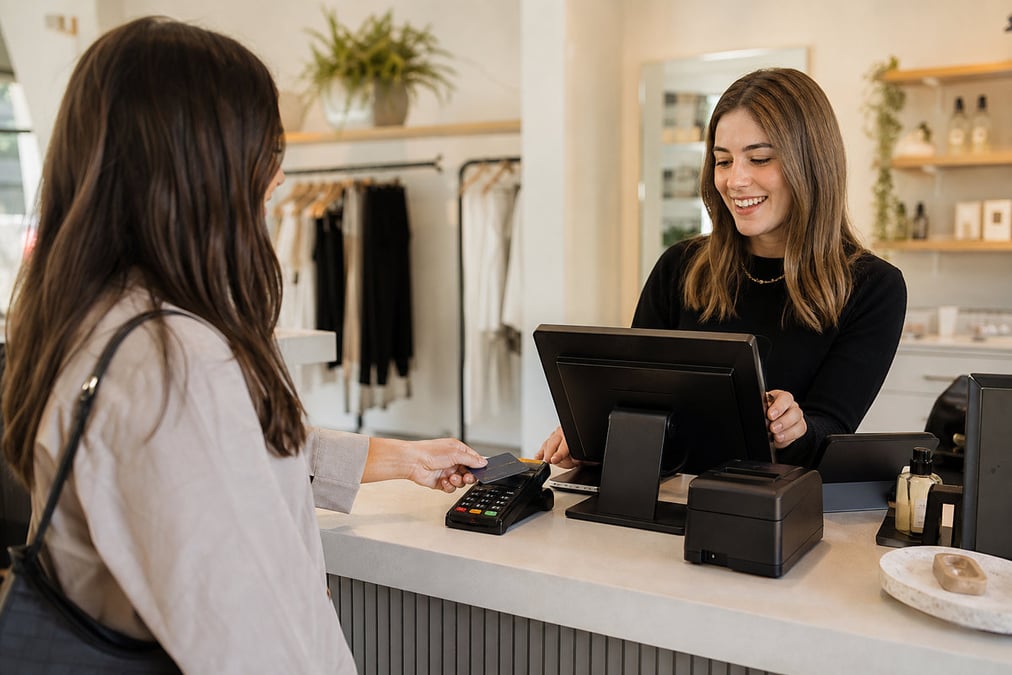
Close-up of hands using a contactless payment terminal with a credit card indoors.
AU & NZ

What is the best POS system in Australia and New Zealand?

AU & NZ retailers need GST-ready workflows, local EFTPOS options, support in regional time zones, and accounting links to Xero or MYOB. The best fit also matches store count: a single boutique has different needs than a 15-store group. Compare features against how you sell (in-store only vs shop plus Shopify). Single-shop starters often begin with POS for small business.

Book a demo →

Payment terminal on a shop counter
Pricing

How much does the best POS system cost?

Cost depends on store count, registers, and plan tier (Essential, Professional, Enterprise). Software is usually a monthly subscription per location; hardware and EFTPOS are extra. For detailed cost FAQs, see POS pricing guide. Live plan amounts are on the pricing page.

Book a demo →
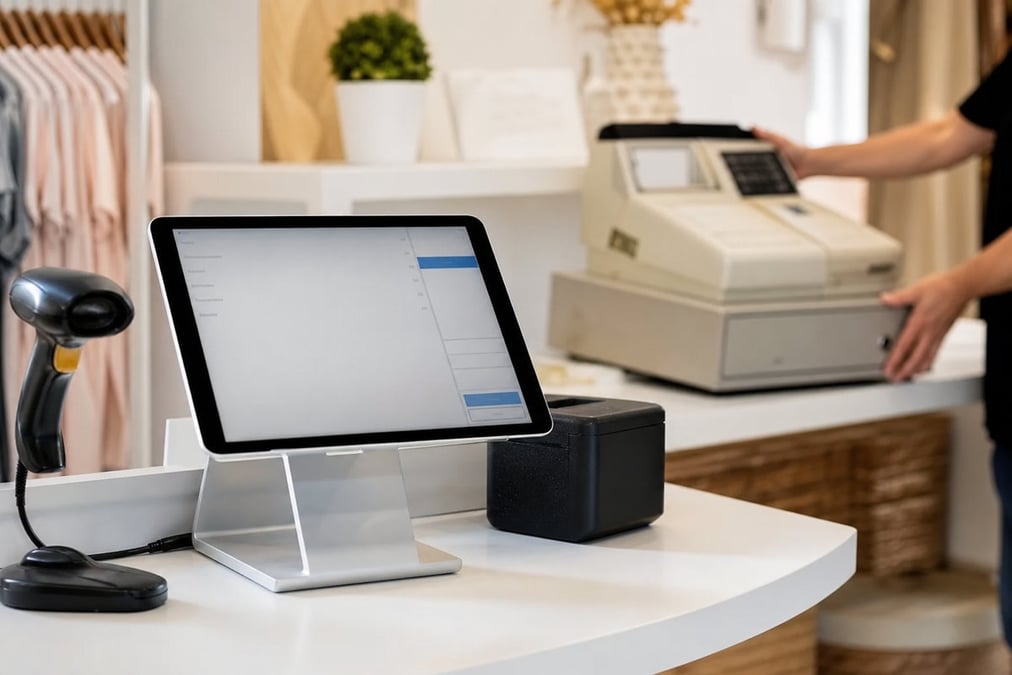
POS screen and cash register on a shop counter
Cloud POS

Is a cloud POS better than an on-premise till?

For most AU & NZ retailers, yes. Cloud POS updates centrally, works on standard hardware, and lets owners check sales and stock remotely. Legacy on-premise tills often lack real inventory links and cost more to maintain. If internet reliability is a concern, Retail Express offers offline POS for eligible setups.

Book a demo →

Two customers making a contactless payment at a café counter using a mobile phone.
Small business

What is the best POS system for small business?

Small business retailers (usually one location, one or two registers) need fast checkout, simple inventory, clear pricing, and low admin overhead. You do not need enterprise complexity on day one. Retail Express Essential is designed for single-shop product retail: POS, stock, reporting, and AU & NZ support in one subscription. See POS for small business for the platform; see best POS for small business AU for evaluation FAQs.

Book a demo →
Close-up of a cashless transaction at a modern café counter with hands holding a receipt.
Multi-store selling

Sell from another store without losing the sale

A strong point of sale system helps staff save a sale when stock is in another shop. In Retail Express, staff can sell stock from another outlet at the till and fulfil it from the location that has it. Teams can also raise, dispatch, and receive transfers to move stock where it sells. See cross-store POS selling and stock transfers.

Book a demo →
Person making a contactless payment using a smartwatch and a payment terminal.
Flexible payments

Take payments without slowing the queue

Retail Express handles cash, EFTPOS, split and partial payments, manual MOTO/EFTPOS entries, and buy now, pay later workflows with Afterpay and Zip. Each payment stays linked to the sale, helping staff process refunds accurately and reconcile at the end of the day. See POS payments and buy now pay later at POS.

Book a demo →
A cafe worker slicing oranges at a counter with a digital menu display.
Offline POS

Keep selling during an internet outage

A point of sale system should not bring your counter to a stop when the connection drops. With eligible Retail Express setups, staff can keep scanning products, taking payments, and printing receipts during an outage, then sync sales when the connection returns. See offline POS.

Book a demo →
Close-up of a hand interacting with a touchscreen POS system in a restaurant setting.
Retail depth

Built for product retail, not just transactions

Retail Express is built for retailers who need more than a payment screen. Manage size, colour, and style variants, use multiple barcodes per product, track live inventory, create purchase orders, and report on store performance from the same platform. See matrix and variant products and inventory management.

Book a demo →

Best POS System for AU & NZ Retail: FAQs

How Retail Express compares with Square, Lightspeed, Shopify POS and Hike, and how to choose.

There isn't one best POS system for every retailer. Single shops that need simple checkout often start with Square or Hike. Brands that sell mainly online through Shopify usually look at Shopify POS. Growing retailers with several stores and large catalogues tend to compare Lightspeed and Retail Express. Retail Express is built for product retailers running one to 10+ stores with a lot of stock to manage.

Start with how you actually trade, not a feature checklist. Count your stores, your SKUs and the places you sell (in store, online, wholesale). Then check five things: multi-store stock control, offline trading, accounting integration, which EFTPOS terminals it supports, and how it connects to your online store. Test it with your own products in a demo before you commit.

A point of sale system is the checkout setup a retailer uses to scan or add products, take payment, issue receipts and update stock. In product retail, it should also connect the till to inventory, purchasing, customers and reporting. Retail Express combines these functions in one cloud platform.

Look for stock transfers between stores, store-specific pricing, central reporting and purchase orders that can deliver to one store and transfer to others. Retail Express has all four, with simple and advanced transfer workflows. Lightspeed and Shopify POS also support multiple locations with stock transfers. Square limits bulk transfers between locations to its Plus plan, and Hike's multi-outlet features are on Plus and Enterprise.

It depends on the workflow. Fashion needs size and colour matrices, grocery needs fast scanning and promotions, and specialty stores may need lay-by, serial numbers or trade accounts. Retail Express covers product retail across these categories. See the best POS for fashion and grocery, and test your own workflow in a demo rather than choosing by industry label alone.

Square suits smaller retailers getting started. It includes a Square Online store and gift cards, but purchase orders and stocktakes are on the Plus plan, loyalty is a paid add-on, and card payments run on Square's own hardware. Retail Express is built for multi-store product retail. It includes purchase orders, automatic replenishment, stocktakes, loyalty, lay-by and account customers, and works with Tyro and Linkly EFTPOS terminals.

Both handle multi-store retail with stock transfers, purchase orders and stock counts. The differences are in the detail. Offline, Lightspeed takes cash sales, with offline card payments in beta on its Smart Terminal, while Retail Express keeps sales and refunds going for up to 7 days. For accounting, Lightspeed has Xero built in and MYOB through a third-party integration. Retail Express integrates with both Xero and MYOB AccountRight. Lightspeed includes its own online store, while Retail Express connects to Shopify.

If Shopify is your main channel and your stores are an add-on, Shopify POS keeps everything on one platform. If your physical stores drive most of your sales, Retail Express adds retail depth while still connecting to Shopify. It syncs products, stock, customers and orders, and supports click and collect, pre-orders and split fulfilment. Shopify POS also needs third-party apps for Xero, MYOB and loyalty, which Retail Express provides directly.

Hike serves both retail and hospitality. Its multi-outlet features, stock transfers, loyalty, gift cards and online store are on the Plus and Enterprise plans, and Xero, MYOB and QuickBooks are an add-on. Retail Express focuses on product retail, with multi-store stock control, loyalty, gift vouchers, lay-by, account customers and Xero/MYOB integrations. Both work with Tyro and Linkly terminals.

They all trade offline to a degree, with different limits:

  • Retail Express: sales and refunds for up to 7 consecutive days, then syncs.
  • Square: card payments on Square hardware, uploaded within 72 hours. eftpos-only cards don't work offline.
  • Lightspeed: cash sales. Offline card payments are in beta on its Smart Terminal.
  • Shopify POS: cash and manual payments, plus card payments with a compatible reader. eftpos can't be taken offline in Australia.
  • Hike: unlimited offline sales after a sync on the iPad app, or in the browser if it stays open.
  • Retail Express: integrates with Xero and MYOB AccountRight.
  • Lightspeed: Xero built in; MYOB through a third-party integration.
  • Square: Xero and MYOB through its App Marketplace.
  • Shopify POS: Xero and MYOB through third-party apps only.
  • Hike: Xero, MYOB and QuickBooks as an add-on on its Plus and Enterprise plans.

Retail Express integrates with Tyro and Linkly (PC-EFTPOS) in Australia and PC-EFTPOS in New Zealand. Lightspeed supports Tyro, Linkly, Smartpay and Windcave alongside Lightspeed Payments. Hike supports Tyro, Linkly and Windcave alongside HikePay. Square lists only its own hardware and Tap to Pay. Shopify POS uses Shopify Payments readers; other terminals only record the payment status.

Shopify POS is native to Shopify, so it suits brands that are online-first. Retail Express, Lightspeed and Hike all connect to Shopify. Retail Express syncs products, stock, customers and orders, and supports click and collect, pre-orders and split web-order fulfilment. That suits retailers whose stores and online store need to share one stock pool. Lightspeed notes that its loyalty, gift cards and store credit don't work with Shopify.

Retail Express includes loyalty points and cards, gift vouchers, lay-by and account customers. Lightspeed includes loyalty, and gift cards are available. Square includes gift cards, but Square Loyalty is a paid add-on. Shopify POS includes gift cards, and loyalty needs a third-party app. Hike includes both on its Plus and Enterprise plans.

A POS system runs the sale: products, prices, stock, customers and reporting. EFTPOS is the card terminal that takes the payment. With integrated EFTPOS, the POS sends the sale amount to the terminal automatically, so there's no re-keying and fewer errors. Retail Express integrates with Tyro and Linkly in Australia and PC-EFTPOS in New Zealand.

A typical setup is a PC or iPad, receipt printer, barcode scanner, cash drawer and an EFTPOS terminal from your payment provider, repeated for each register. Retail Express is the software; you buy hardware separately, and Cash Register Warehouse is its preferred hardware supplier. See POS hardware setup and EFTPOS hardware compatibility.

Yes. Retail Express runs in the browser on Windows PCs and iPads, with receipt printers, scanners and cash drawers you choose to fit your counter. iPads also work well as extra registers in busy periods or for serving customers on the shop floor.

Yes. Plan your product and customer import, opening stock and historical balances, such as lay-bys, vouchers and trade accounts. Run both systems in parallel before you cut over. Retail Express offers implementation and onboarding, including Data Concierge on eligible plans, to help you switch.

It depends on how many stores you have, how much data you're bringing across and which integrations you need. A single store mainly needs a product import and staff training. Multi-store groups usually roll out in stages, store by store. Retail Express supports both a self-service data migration and an assisted Data Concierge option. See implementation and onboarding.

Only if you sell retail products with barcodes and stock, such as coffee beans, merchandise or packaged food. Retail Express isn't built for table service, kitchen screens or menu-only venues. For those, a hospitality POS is a better fit. See when Retail Express fits a cafe or restaurant.

Book a demo

Compare the best POS system on your own products

Walk through checkout, inventory, and growth workflows with our team, whether you run one shop or many.